

Streamlined delivery process
Scan and verify glass products quickly to reduce errors and delays, with real-time updates keeping staff and customers informed.
Connected apps
Built for drivers and delivery staff in the flat glass industry, the SPIL Delivery Scanner app replaces paperwork with scanning, digital signatures and real-time sync with SPIL ERP — so every delivery is tracked, verified and confirmed.
Overview
The SPIL Delivery Scanner Mobile App is designed for drivers and delivery staff in the flat glass industry. It offers a streamlined, paperless way to manage glass deliveries, with real-time data syncing and seamless integration with SPIL ERP.
Your team can track, scan and complete deliveries without the hassle of paperwork — whether delivering glass products to customers or managing internal logistics — improving efficiency and reducing errors across the glass supply chain.
At a glance
Digital signatures, delivery confirmations and instant updates replace physical paperwork, reducing errors and saving time.
Track each delivery in real time so glass arrives accurately and without delays.
Drivers scan glass products, verify orders and update delivery records for smooth, error-free operations.
Delivery data syncs with inventory, order management and customer records in real time.
Capabilities
A mobile app for drivers: scan and verify glass on loading and unloading, capture signatures and sync every delivery with SPIL ERP in real time.
Scan and verify glass products quickly to reduce errors and delays, with real-time updates keeping staff and customers informed.
Delivery details are stored digitally, so drivers no longer carry physical forms and the workflow stays clutter-free.
Drivers have every detail they need — from customer information to glass specifications — for accurate deliveries.
Completed deliveries sync automatically with SPIL ERP, keeping the back office, production and inventory up to date.
How it works
From the first scan to the customer’s signature — a delivery run in the SPIL Delivery Scanner app, step by step.
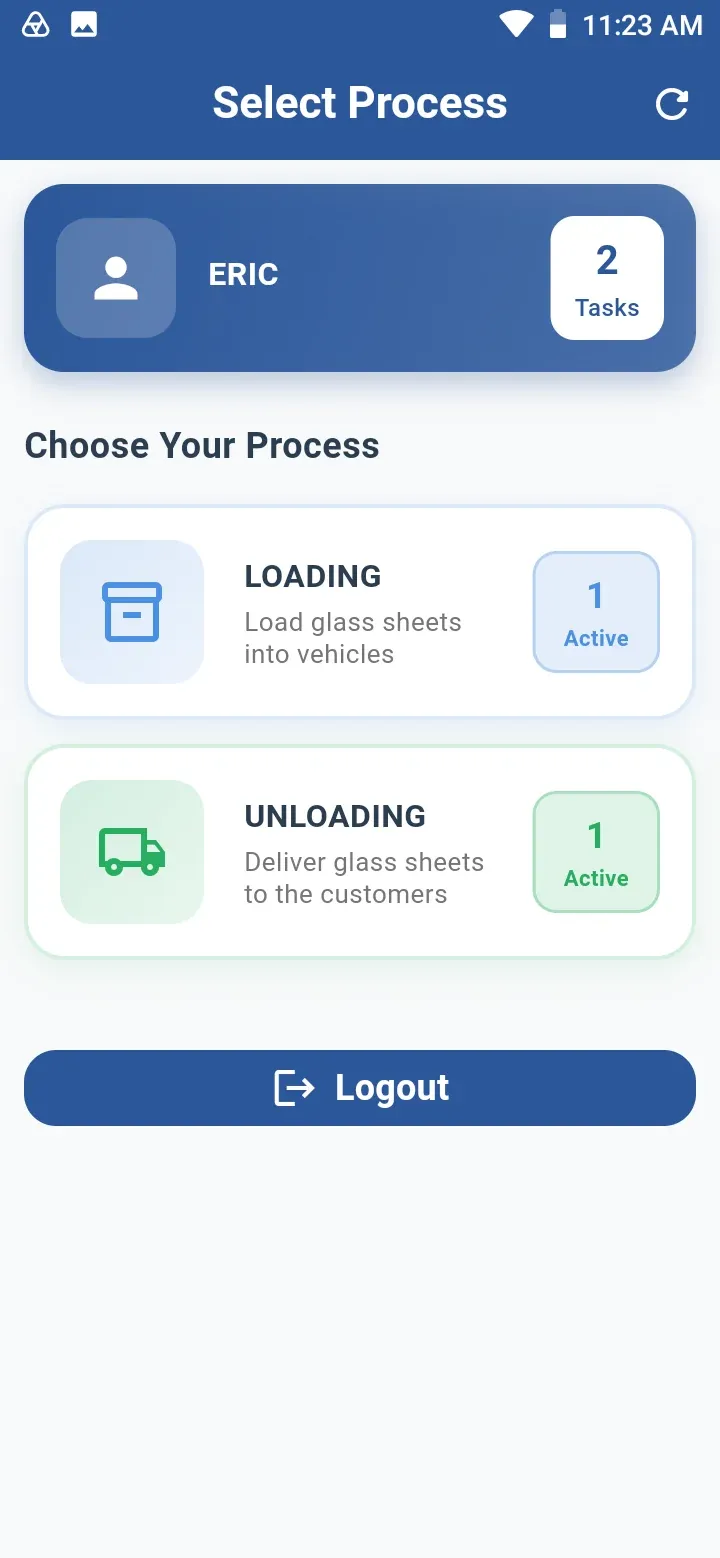
Drivers sign in and pick Loading or Unloading, with their open tasks counted on each.
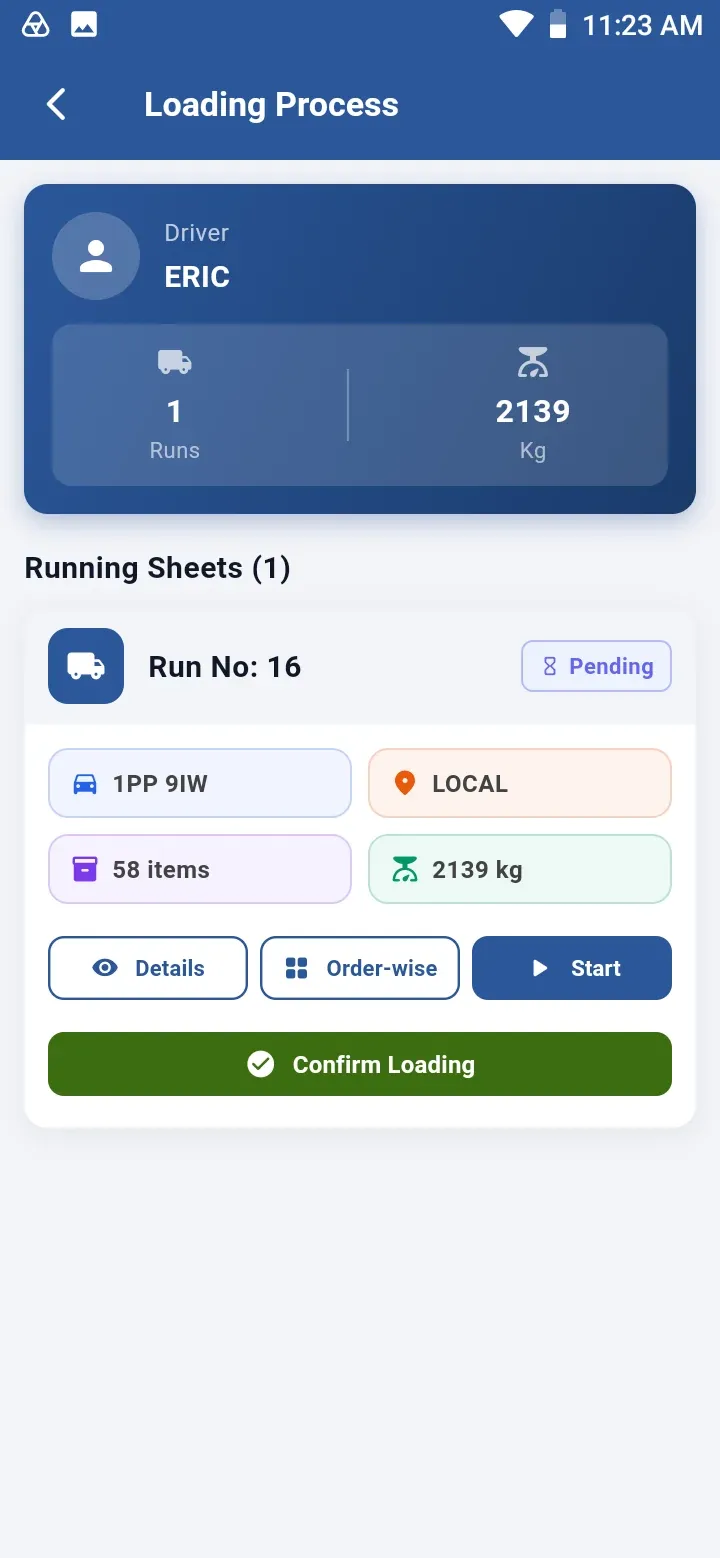
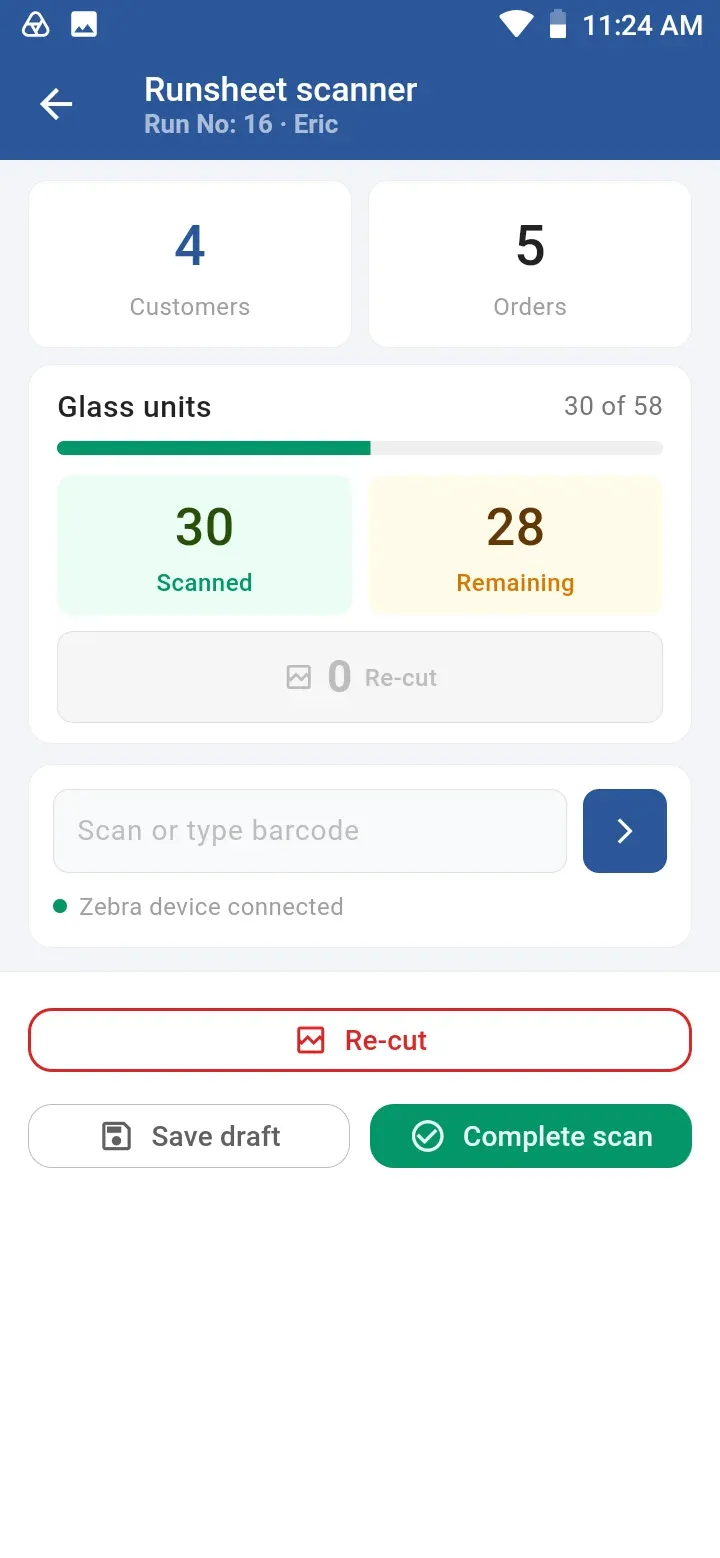
Each running sheet shows the run, items and weight. Every glass unit is scanned onto the truck — re-cuts are flagged on the spot.
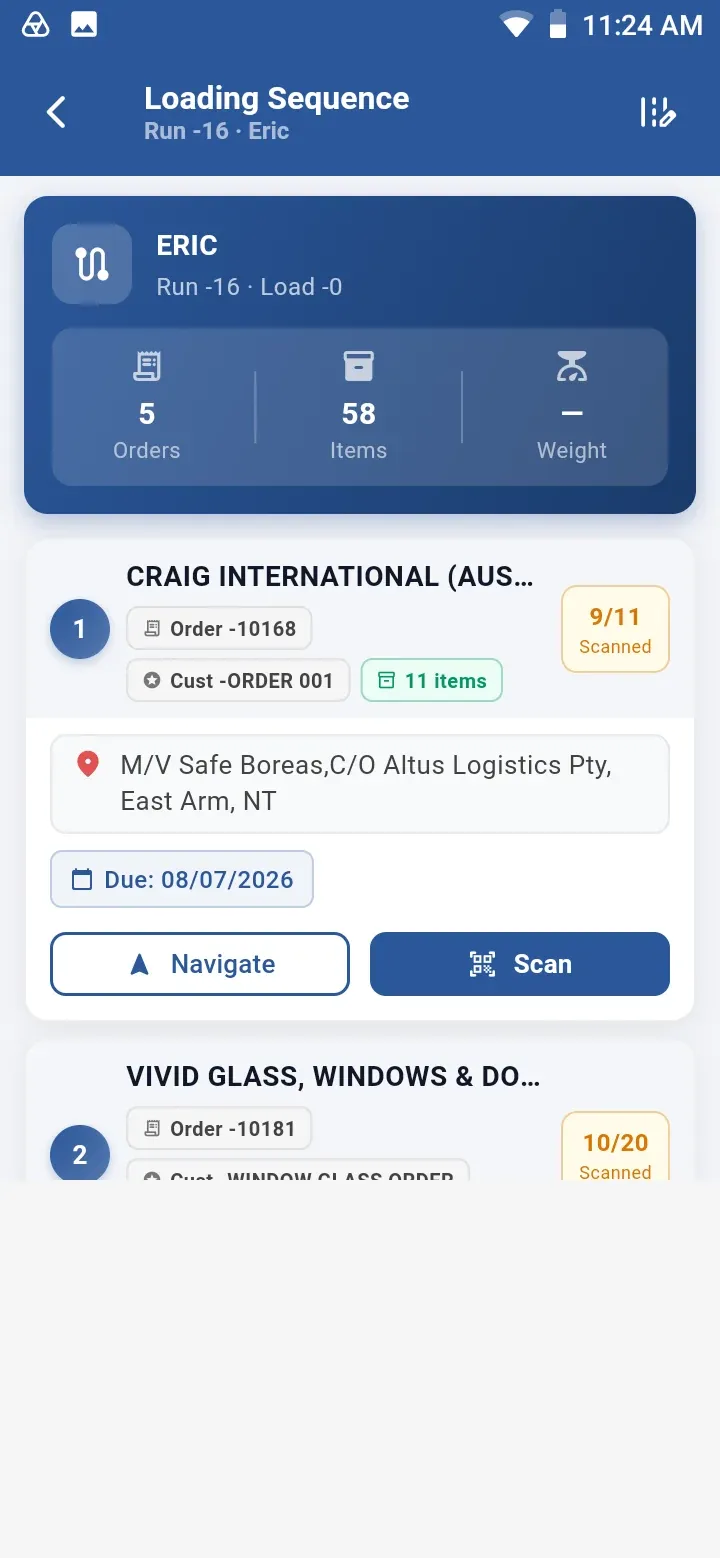
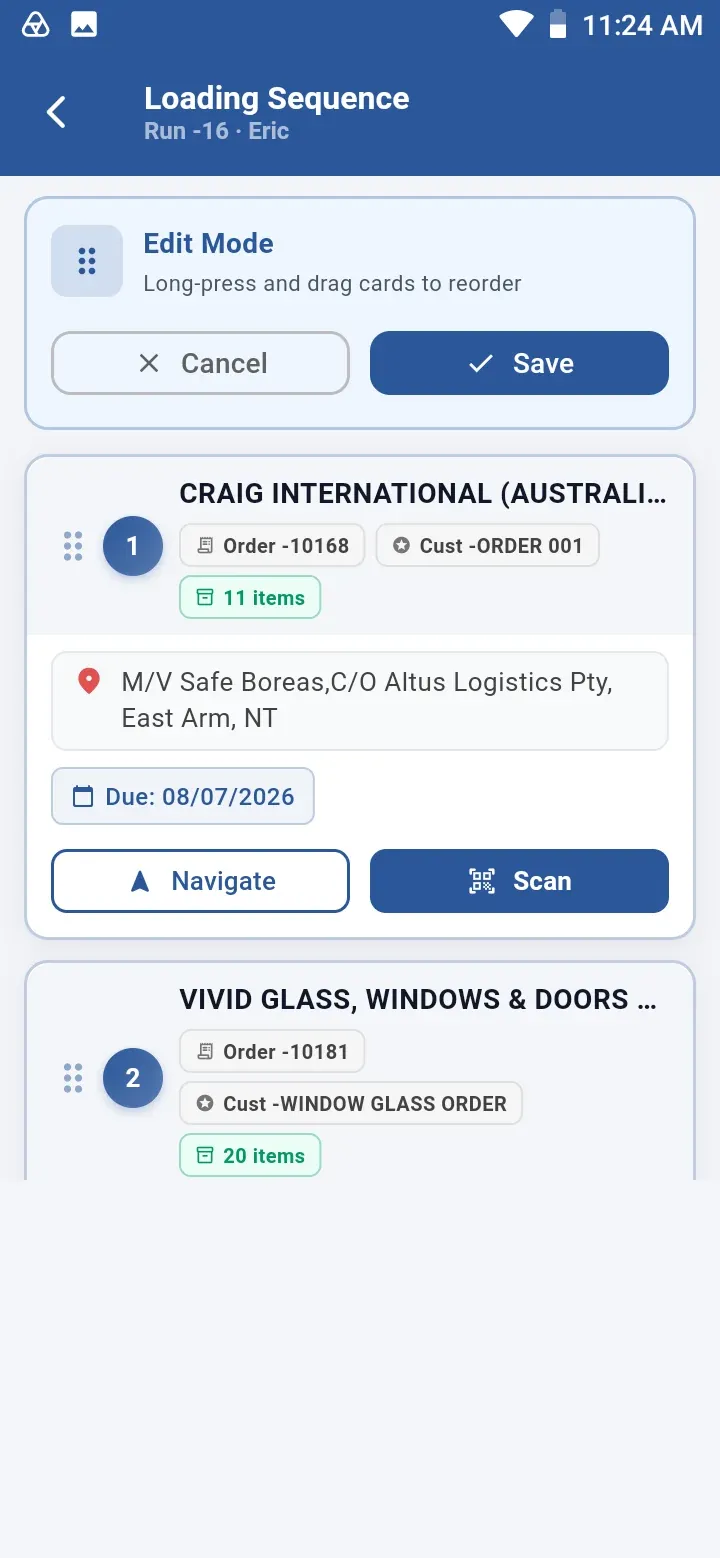
The loading sequence lists each customer drop. Long-press and drag to reorder, then save.
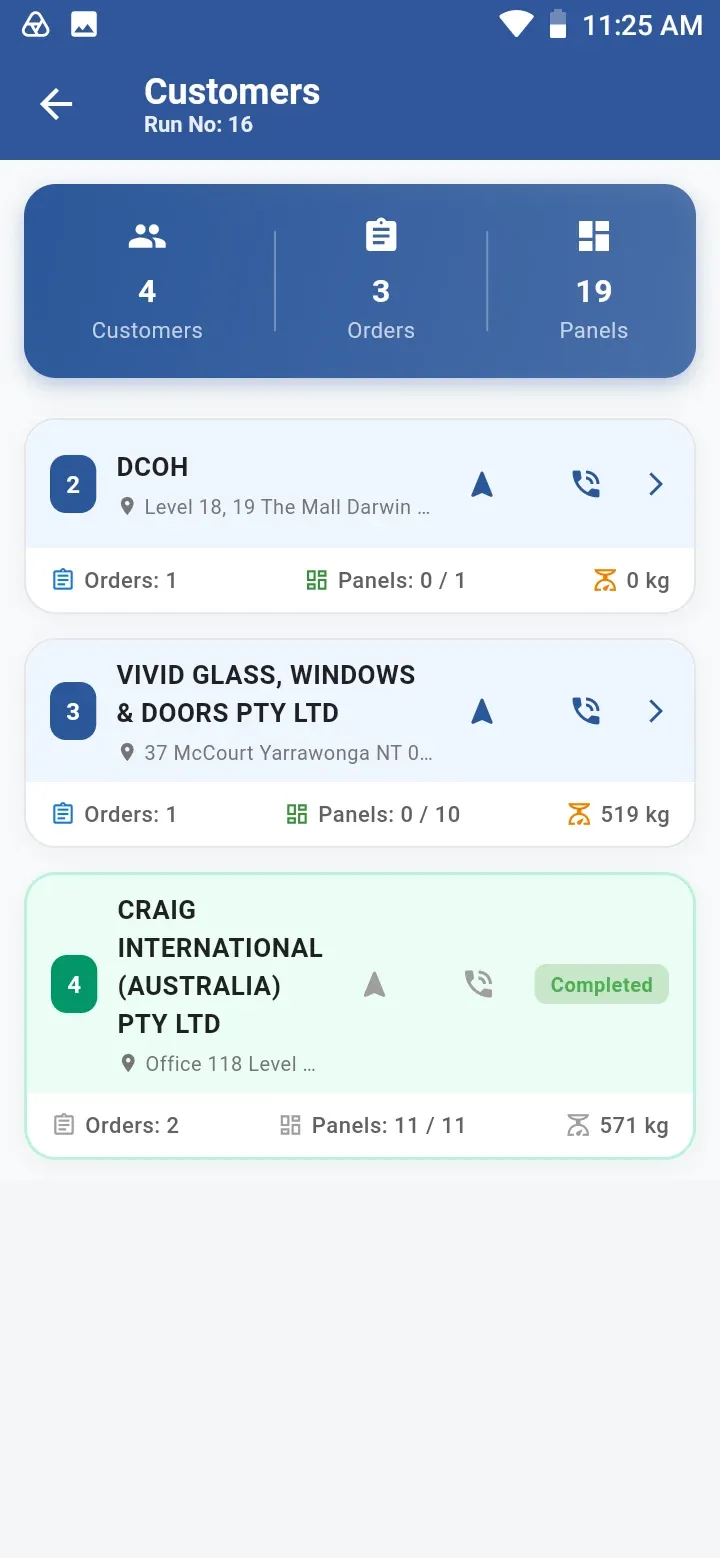
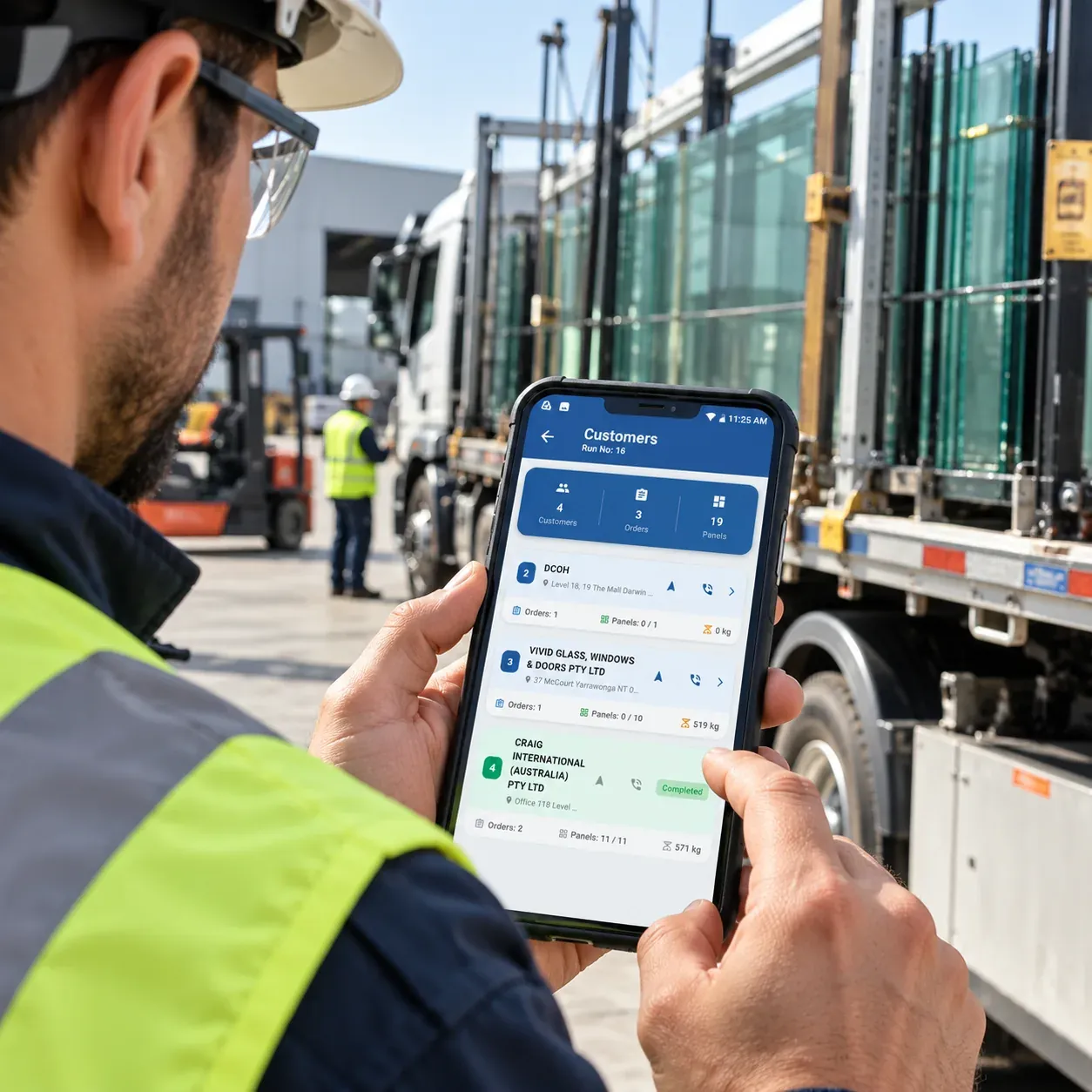
See every customer on the run with orders, panels and weight, then navigate or call with one tap.
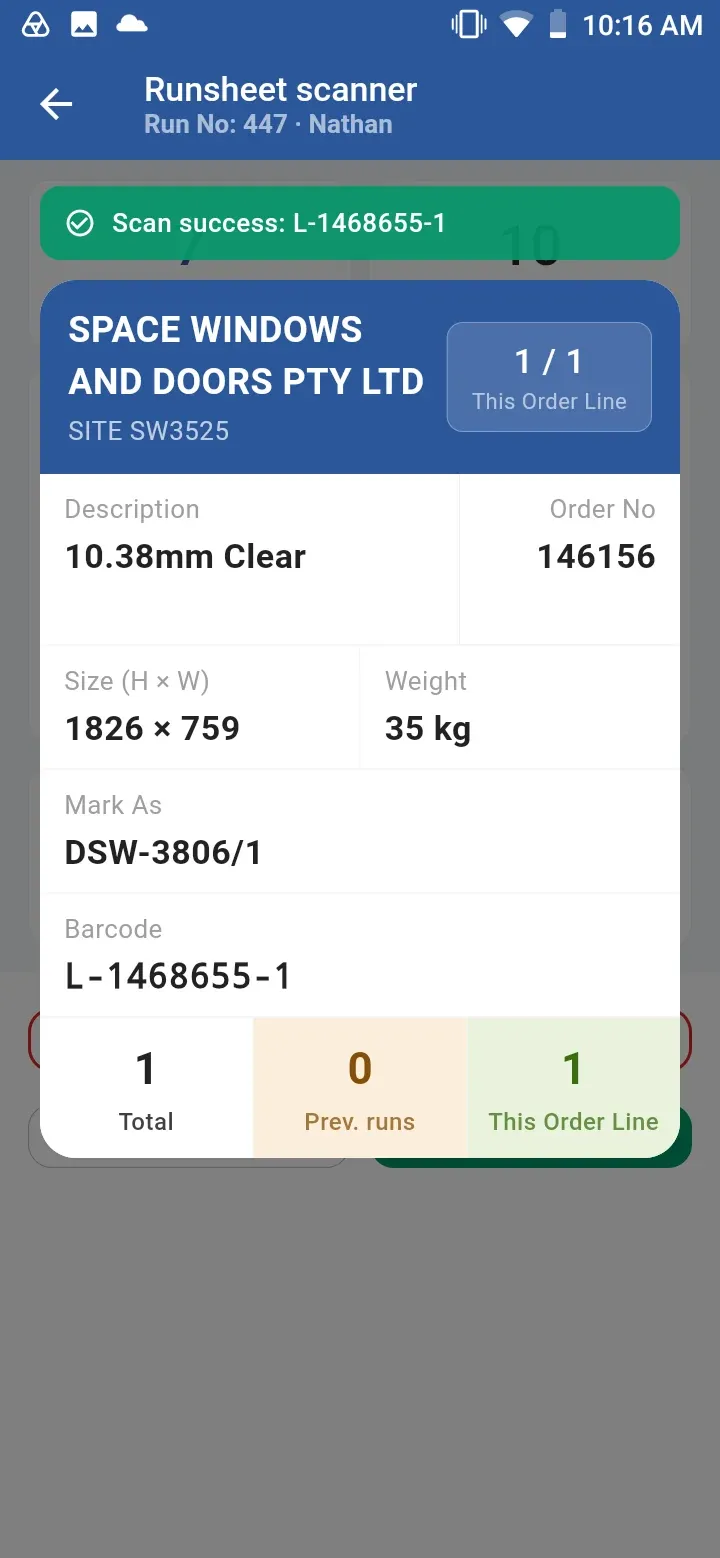
Scan the orders being unloaded for each customer, with full details of every panel.
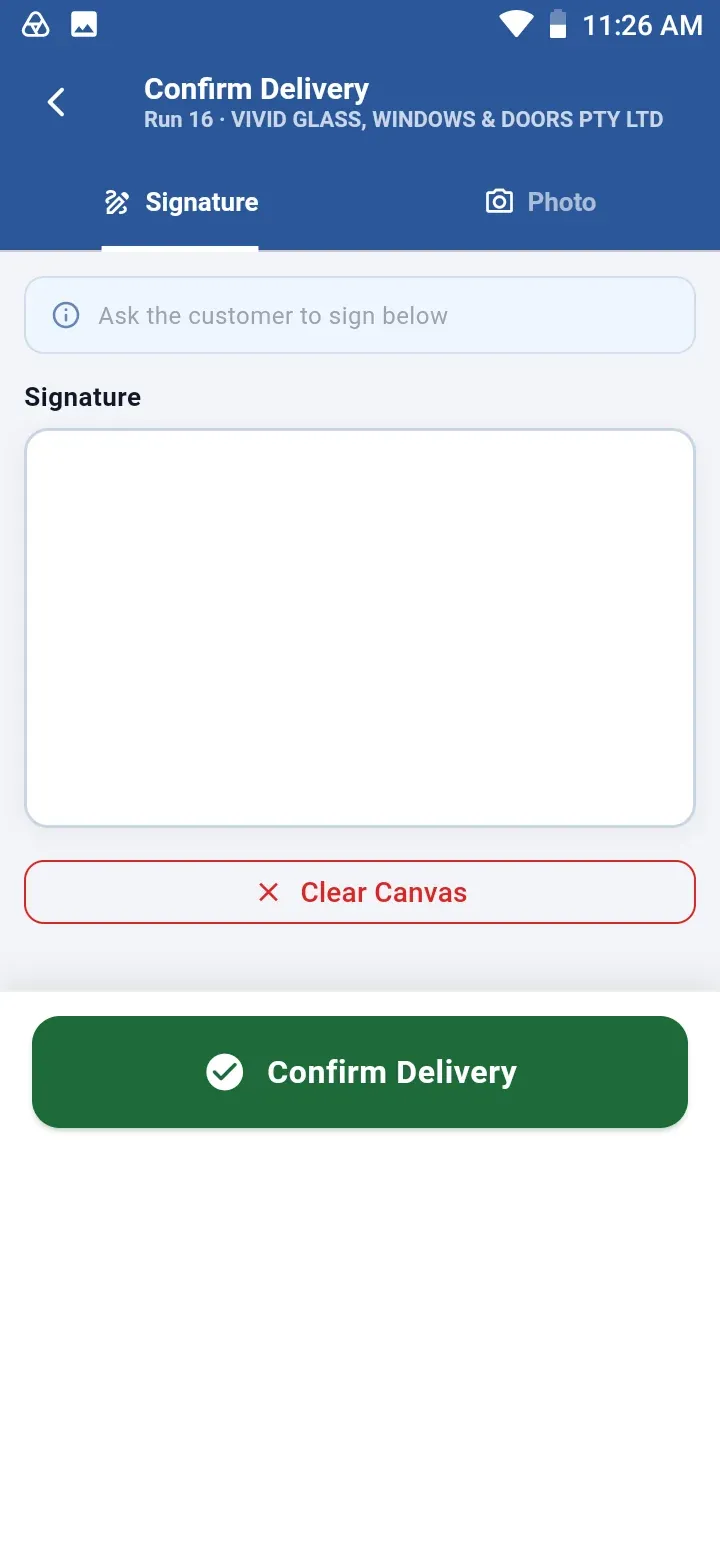
Capture the customer’s signature and an optional photo, then confirm — the record syncs to SPIL ERP.
Screens
Real screens from the SPIL Delivery Scanner app. Select any screen to view it full size.
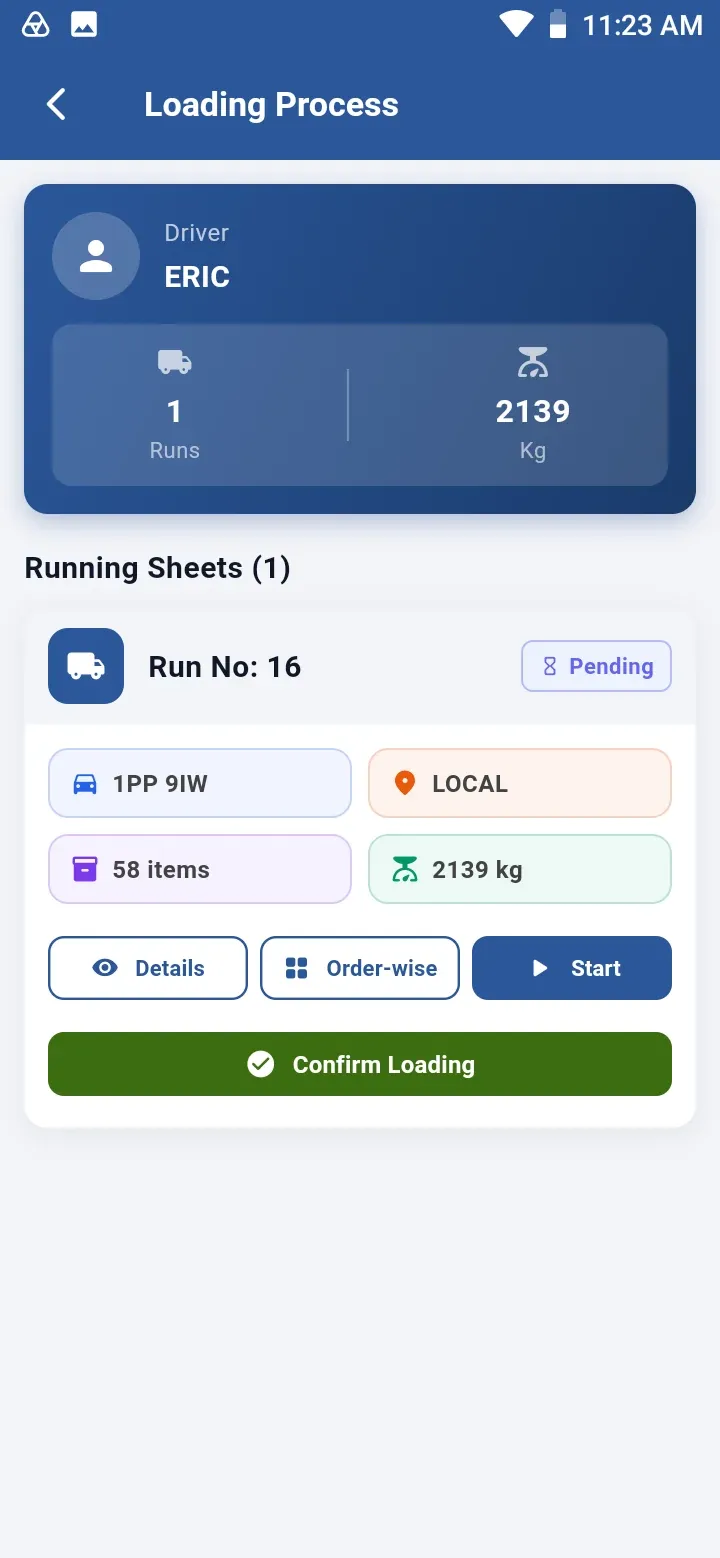
Running sheets ready to load
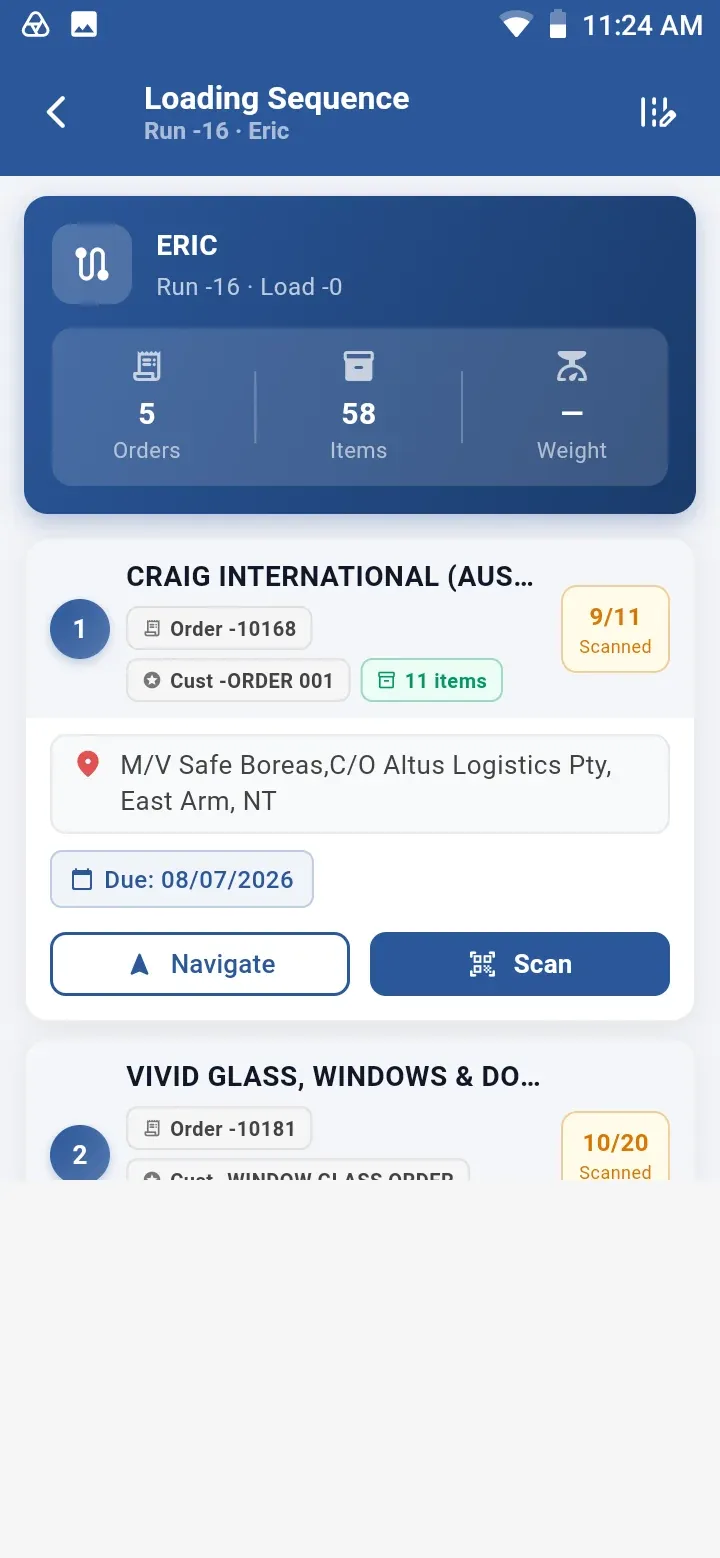
Loading sequence by customer drop
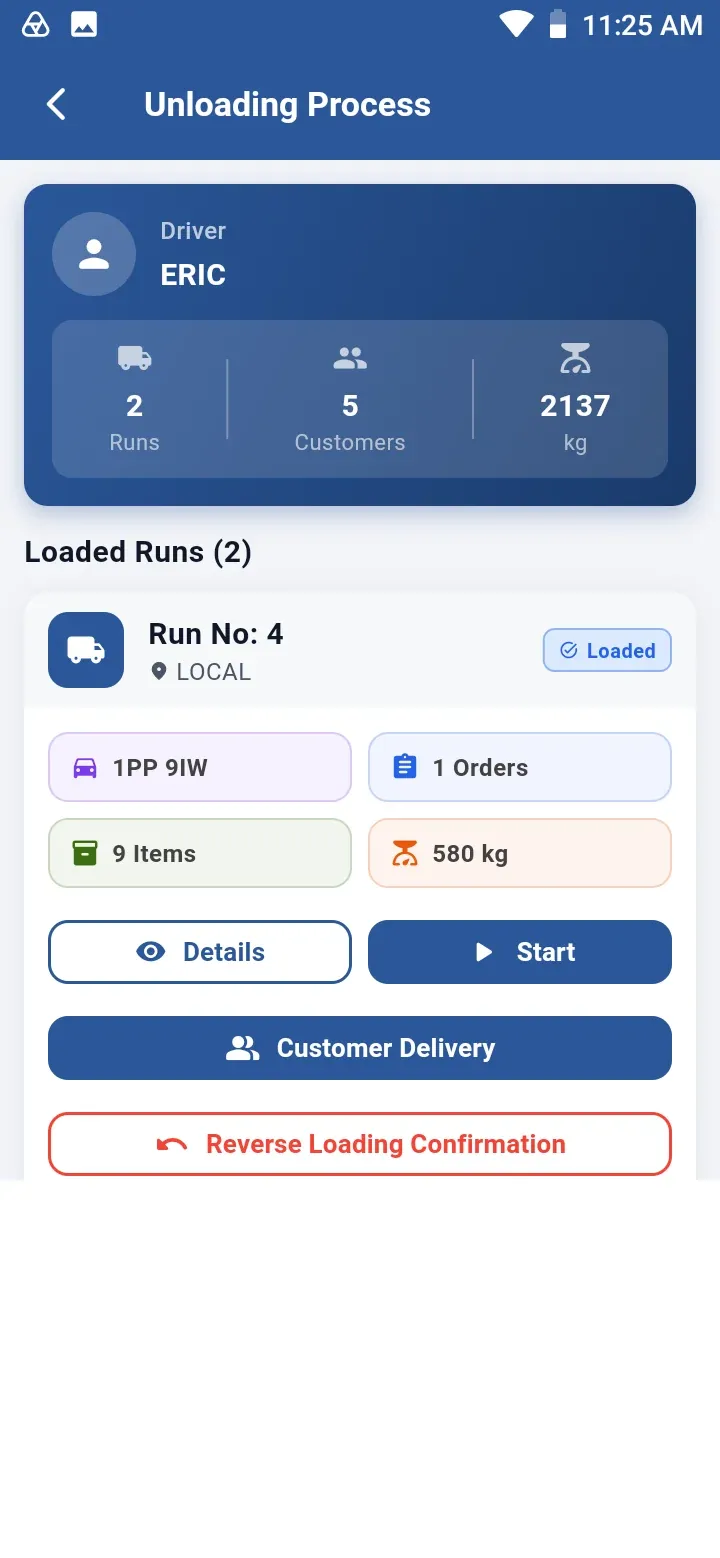
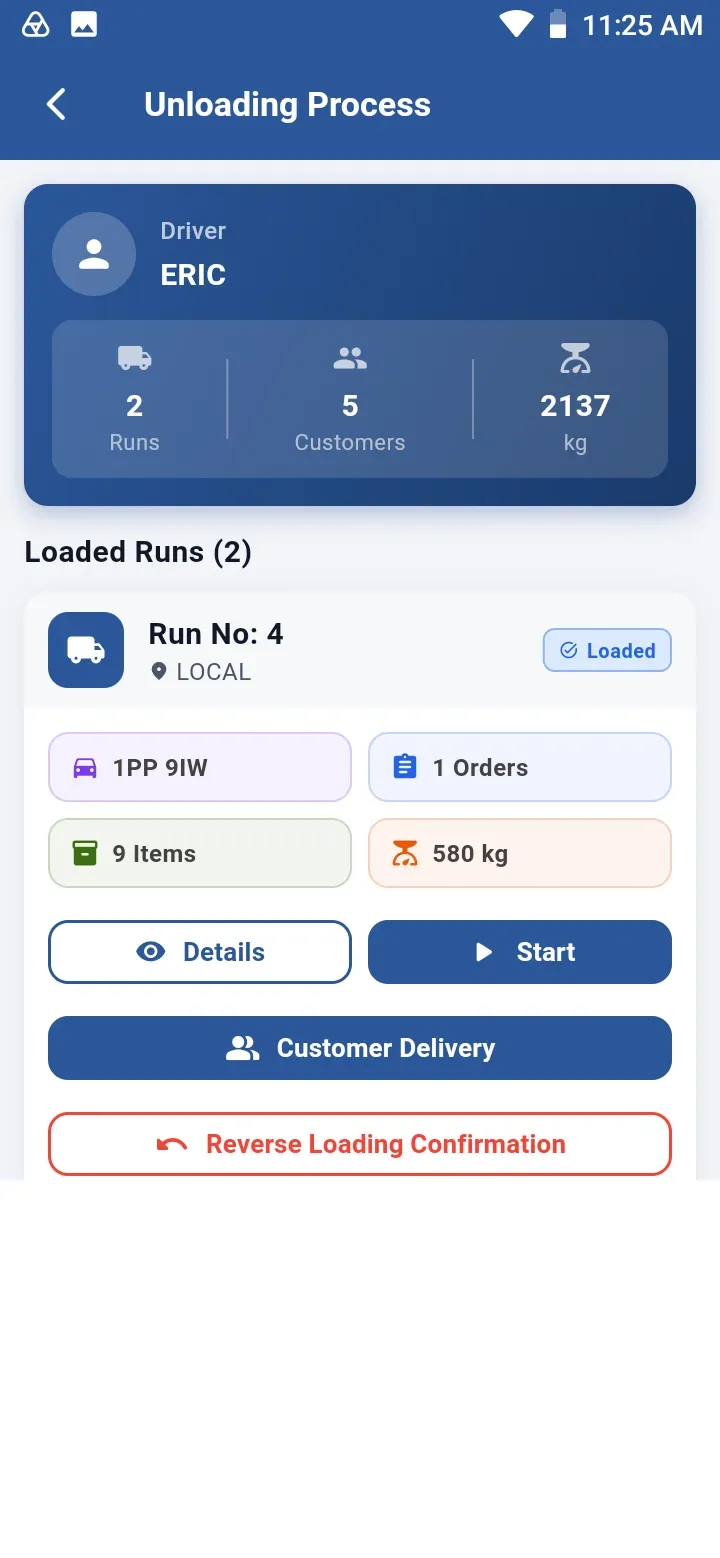
Unloading loaded runs
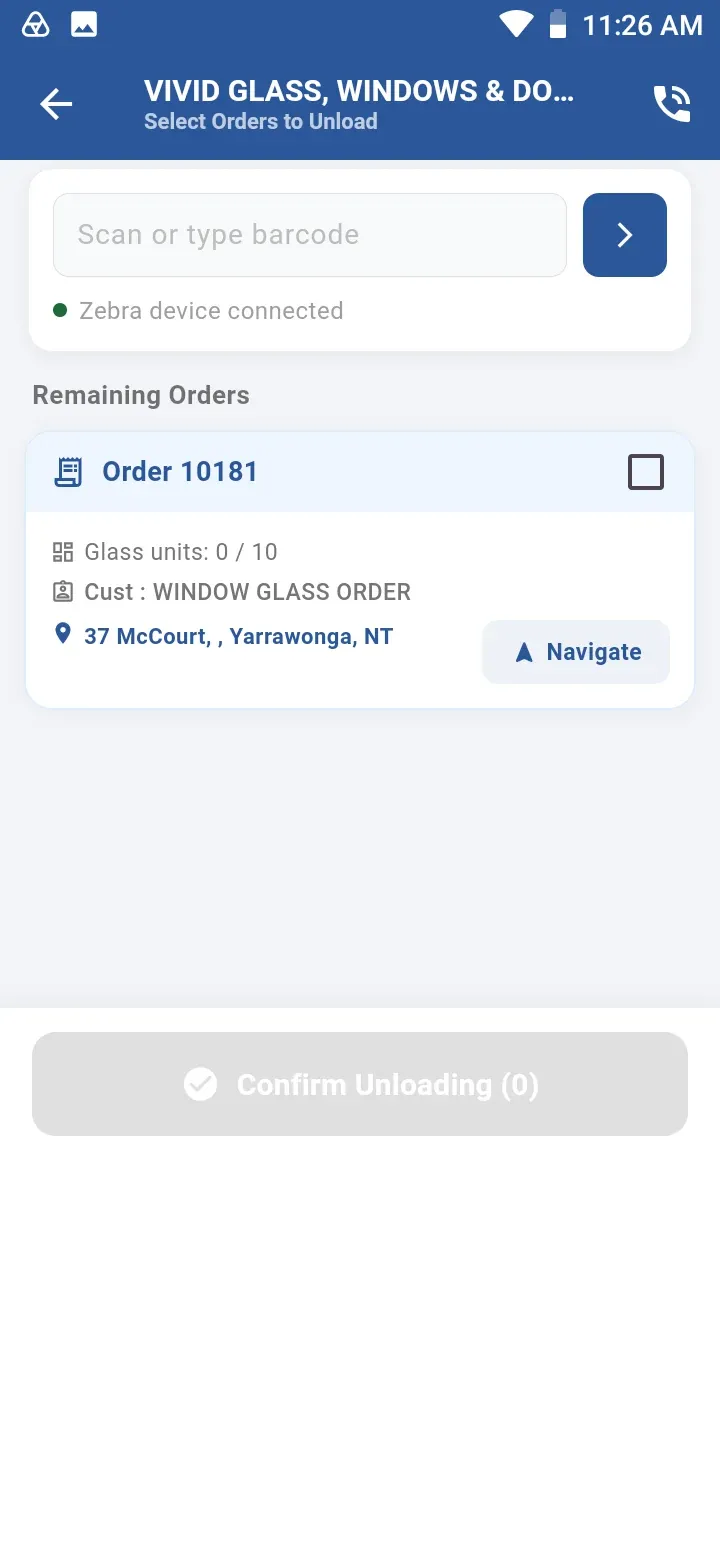
Scan orders off at each drop
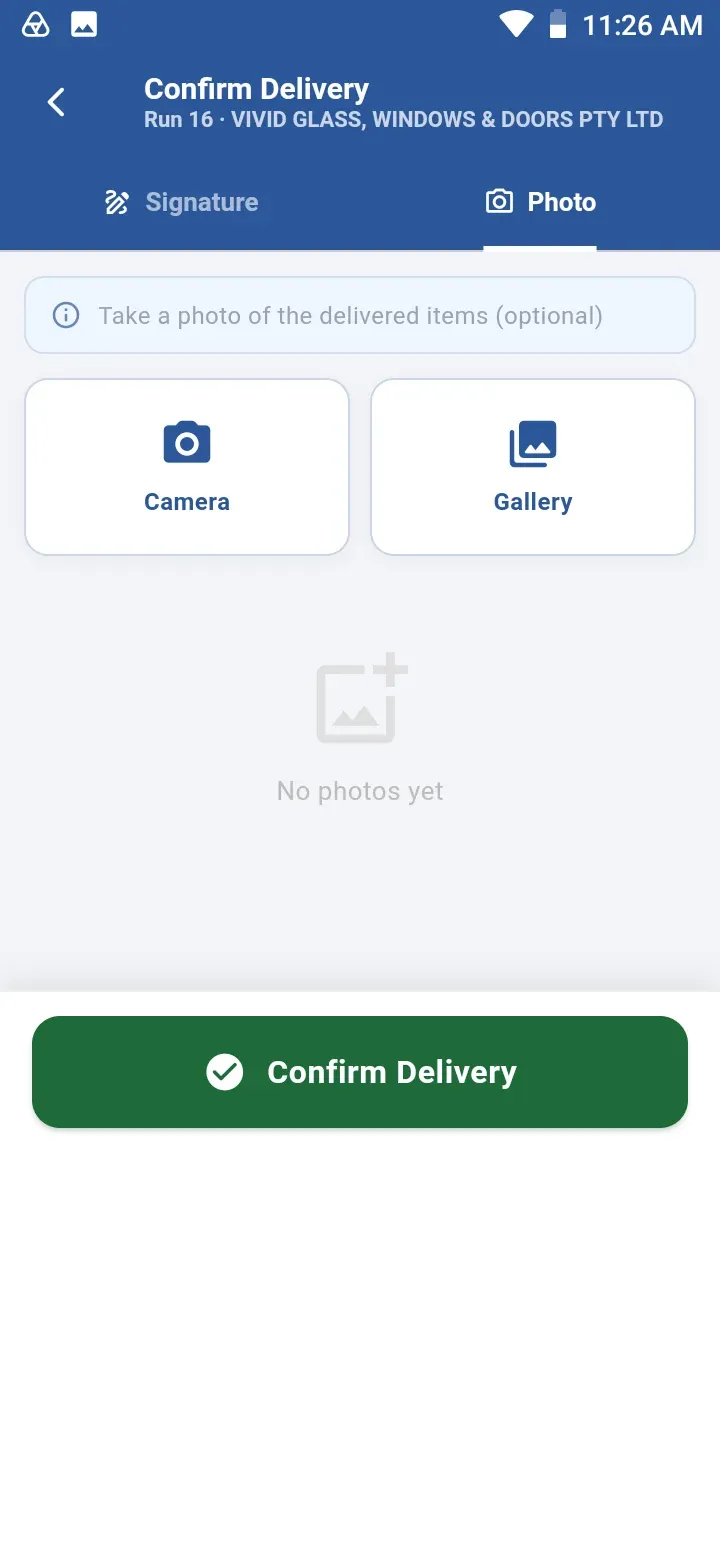
Photo proof of delivery
Benefits & features
Paperless, scan-verified glass deliveries.
The SPIL Delivery Scanner Mobile App is built for the unique needs of glass businesses — enabling efficient, error-free deliveries while improving customer satisfaction.
SPIL Delivery ScannerPaperless, scan-verified glass deliveries

Keep exploring
More from the SPIL platform to complement SPIL Delivery Scanner.
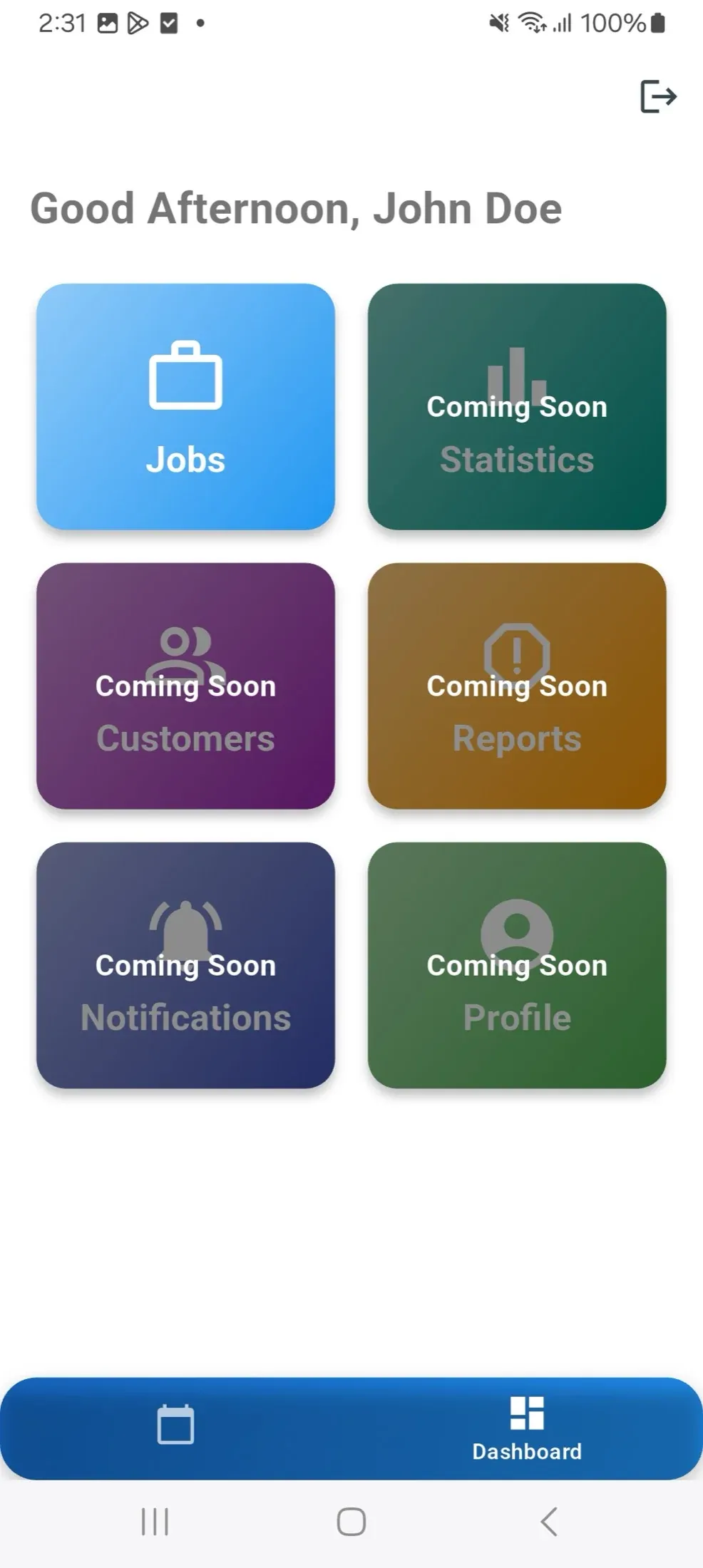
A mobile app for glaziers and field technicians — job details, customer history and glass specifications on site, with completions, signatures and photos synced to SPIL ERP.
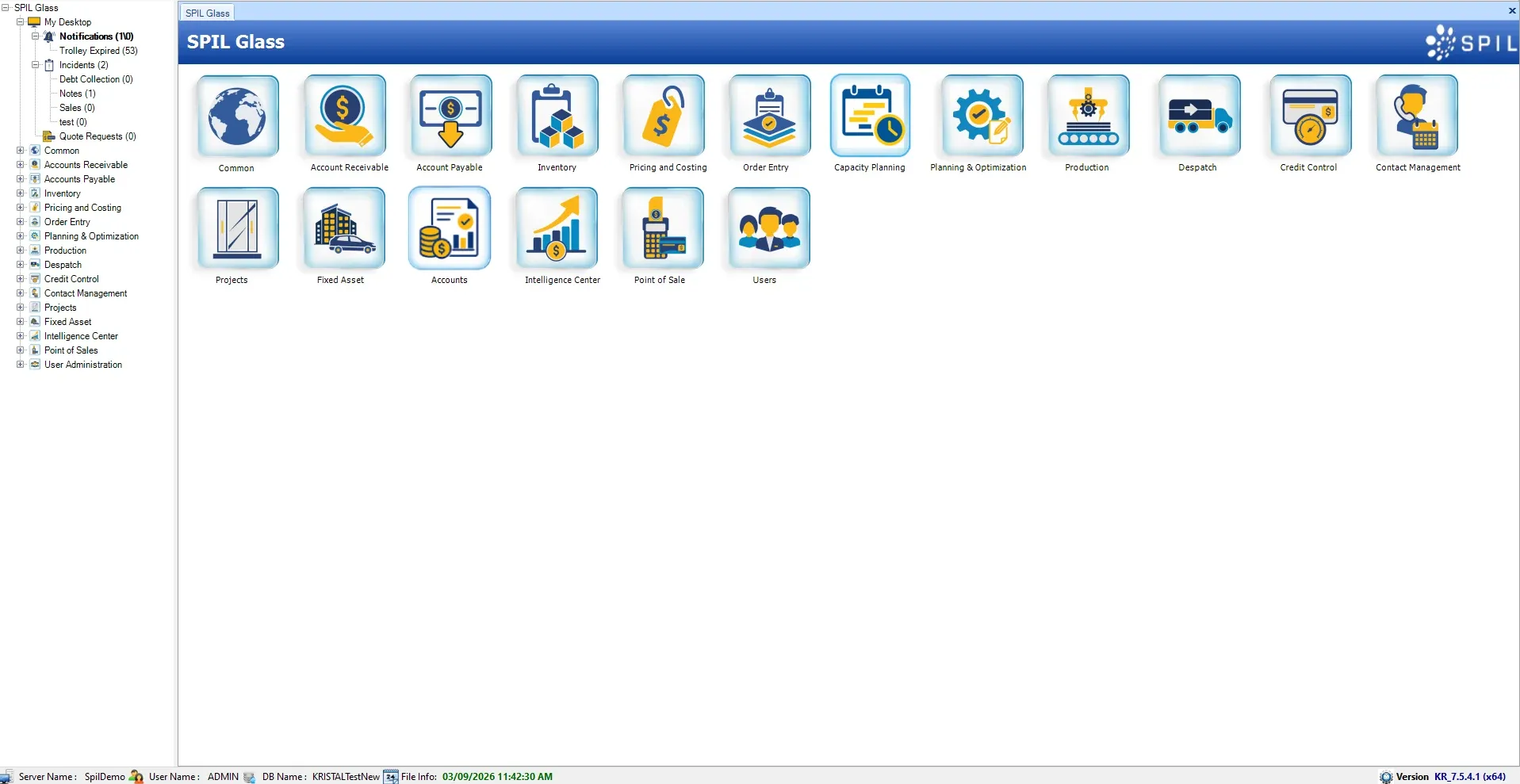
Order entry, production, inventory, costing and despatch in one connected system for flat glass fabricators — scaling from 1 to 1,000 users.
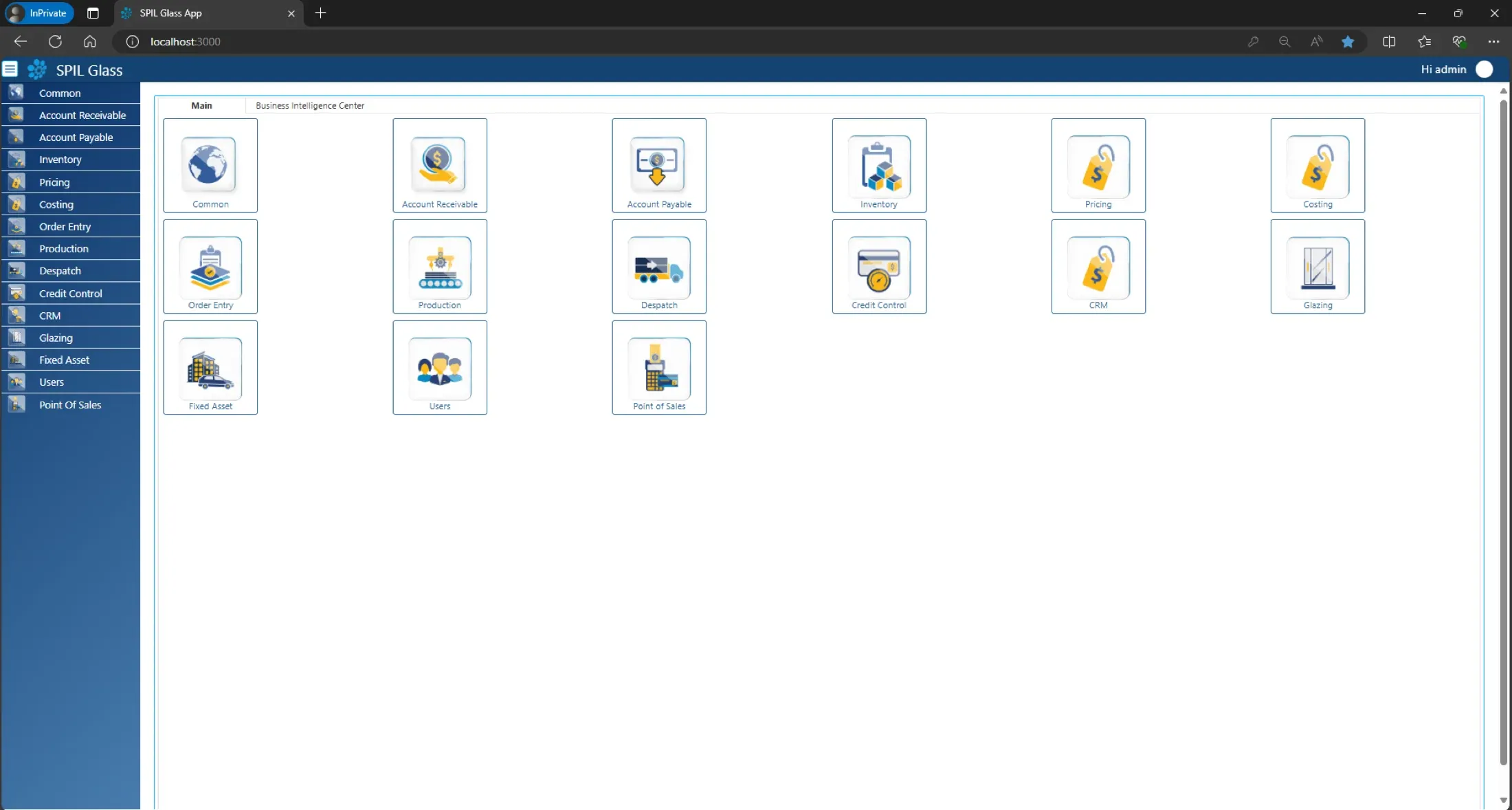
A CRM made for the flat glass industry and fully integrated into SPIL ERP — track leads, automate follow-ups and send emails and SMS from one place.
Get started
Book a free demo and our team will walk you through SPIL Delivery Scanner — and how it fits with the rest of your operation.
Prefer to talk?AU+61 390 000 065US+1 479 569 4400