
Tier 1
SPIL Core
For small or emerging processors needing essential quoting, order processing and core production control.
SPIL ERP modules
From customer enquiries and order entry to planning, production, optimisation, delivery and financial records — every SPIL module works from the same live data, so you can start with what you need and grow from there.
SPIL tiers
SPIL is structured so customers can start with the level of capability they need now and move upward as their operation becomes more complex — while staying on the same SPIL platform.
Not sure which tier fits?
Answer five quick questions about your business and get a suggestion.
Tier 1
For small or emerging processors needing essential quoting, order processing and core production control.
Tier 2
For growing processors ready to connect commercial, inventory and production operations.
Tier 3
For established factories requiring advanced planning, batching, optimisation, production control and integrations.
Tier 4
For large, complex or multi-site operations requiring full ERP, smart factory connectivity and enterprise integration.
Modules
18 connected modules cover every stage of a glass fabrication business — use the ones you need and add more as you grow.
Creates and processes customer quotations and orders.
Optimises production planning and reduces glass waste.
Optimises order batching to improve cutting efficiency and reduce waste.
Plans workload based on available resources and time.
Tracks jobs and factory production activities.
Controls stock, materials, glass and warehouse movements.
Manages deliveries, loading and despatch confirmation.
Manages prices, costs, mark-ups and special pricing.
Handles customer invoices, payments and outstanding balances.
Manages supplier invoices, payments and creditor records.
Monitors customer credit limits and overdue payments.
Stores customer, supplier and contact details.
Manages project-related orders, tasks and progress.
Handles quick sales, payments and receipts.
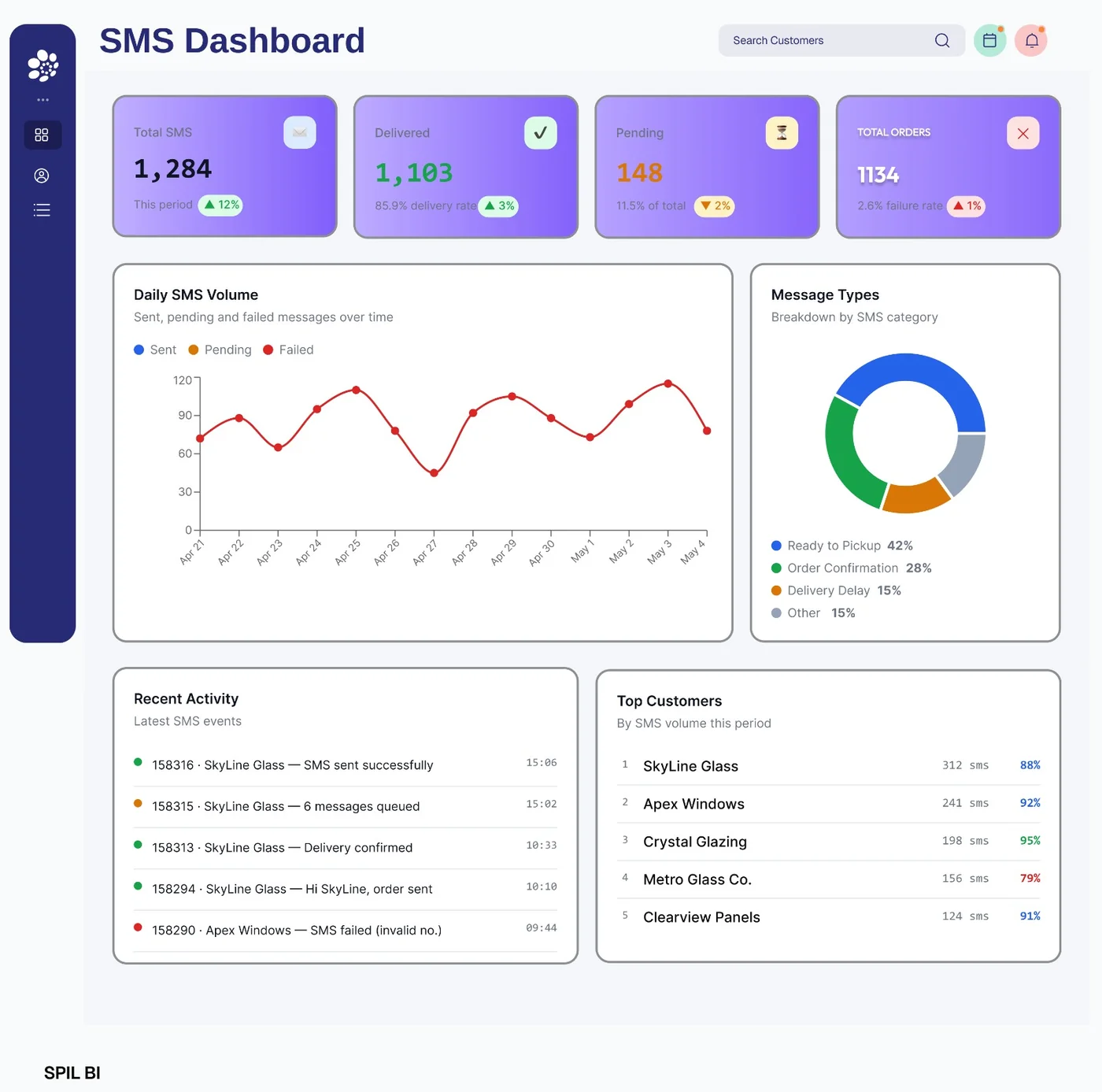
Sends automated customer SMS alerts for faster communication and follow-ups.
Tracks company assets, maintenance and depreciation.
Advanced data visualisation and forecasting.
Manages user access, roles and permissions.
Inside SPIL ERP
Every module opens from the same home screen and follows the same layout — maintenance, transactions, enquiries and reports — so your team always knows where to look.
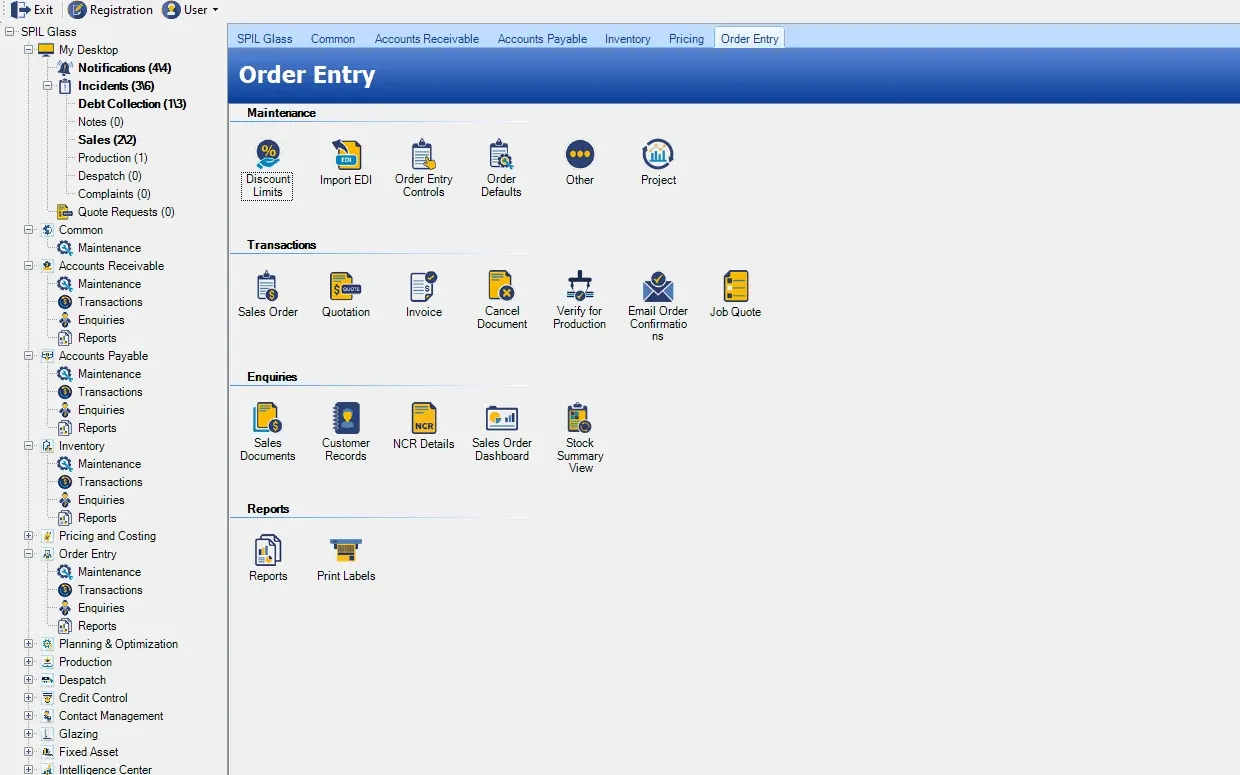
Creates and processes customer quotations and orders, from EDI imports to verification for production.
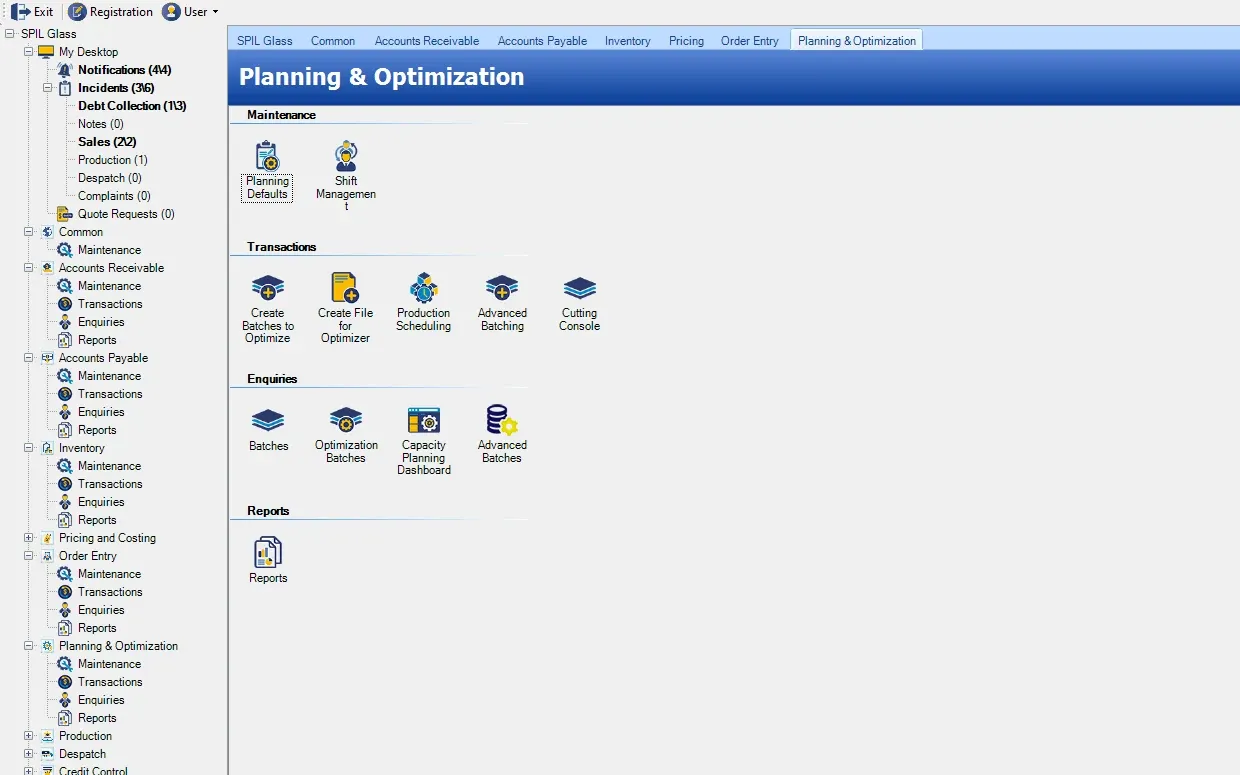
Optimises production planning and reduces glass waste — batching, scheduling and the cutting console in one place.
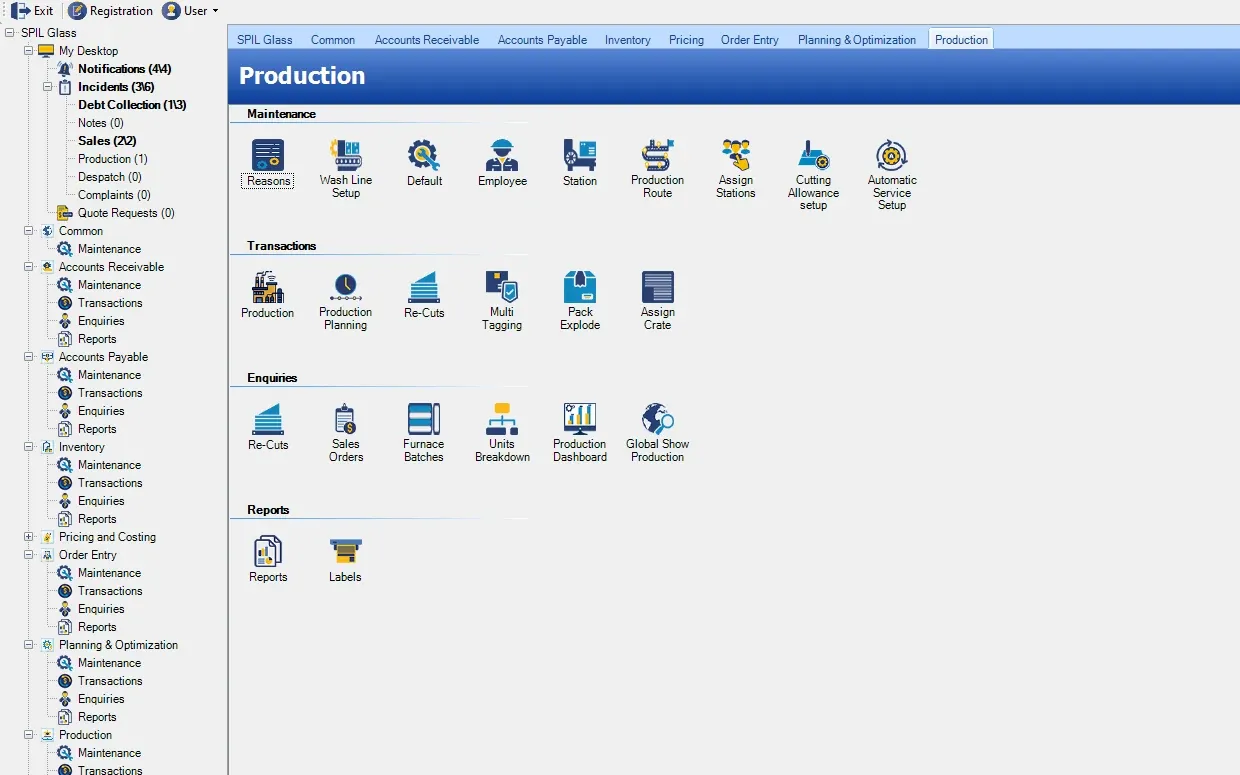
Tracks jobs and factory production activities, from stations and routes to re-cuts and furnace batches.
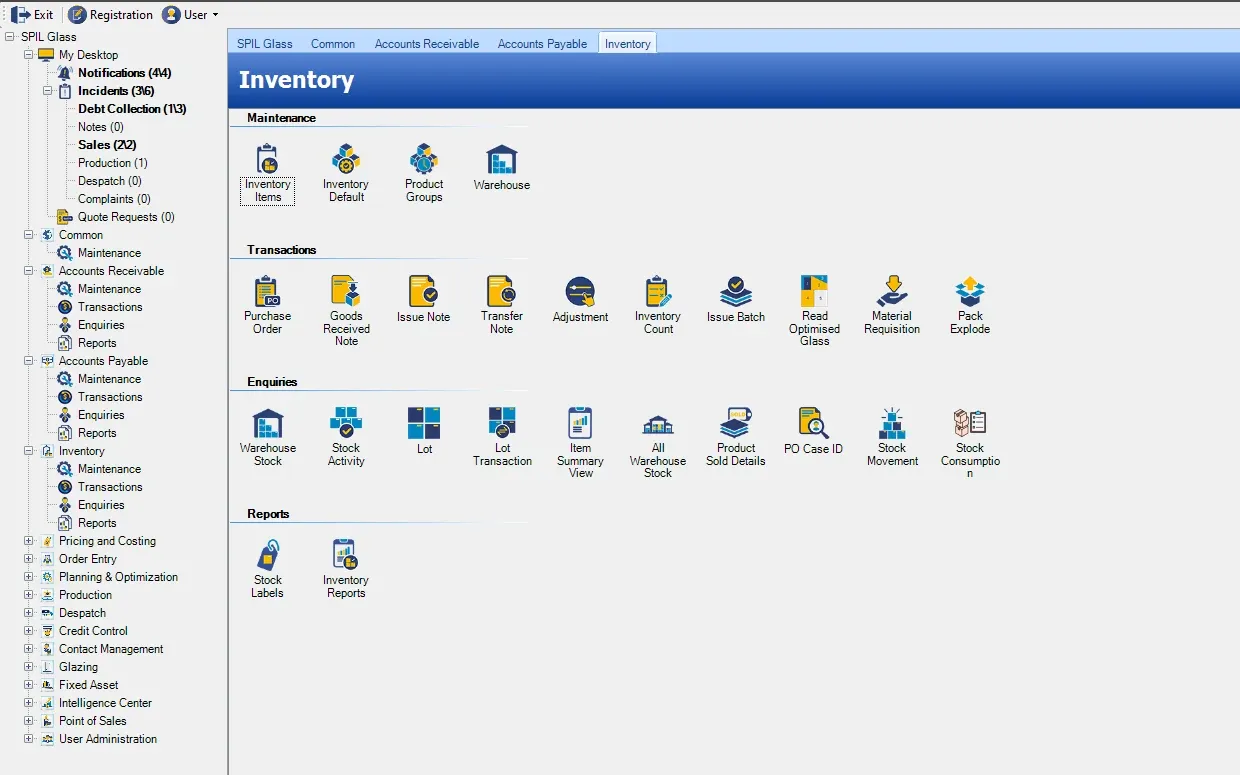
Controls stock, materials, glass and warehouse movements.
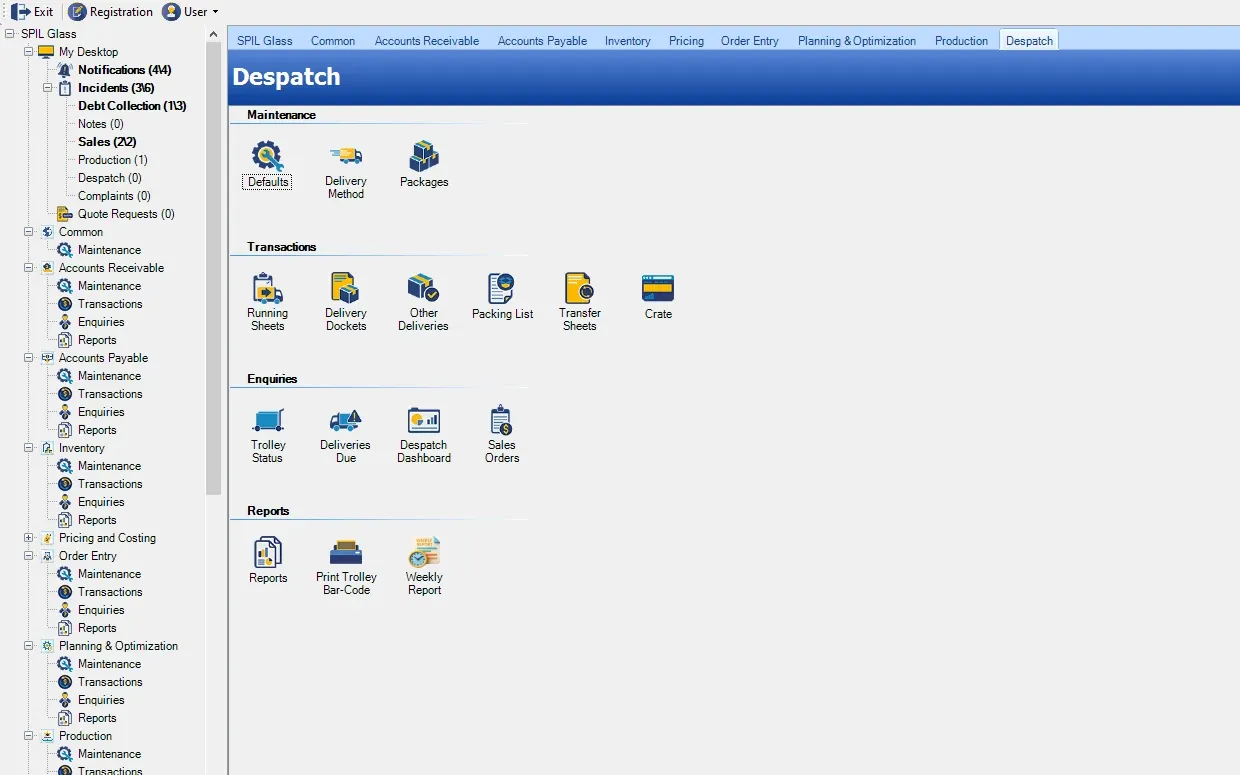
Manages deliveries, loading and despatch confirmation.
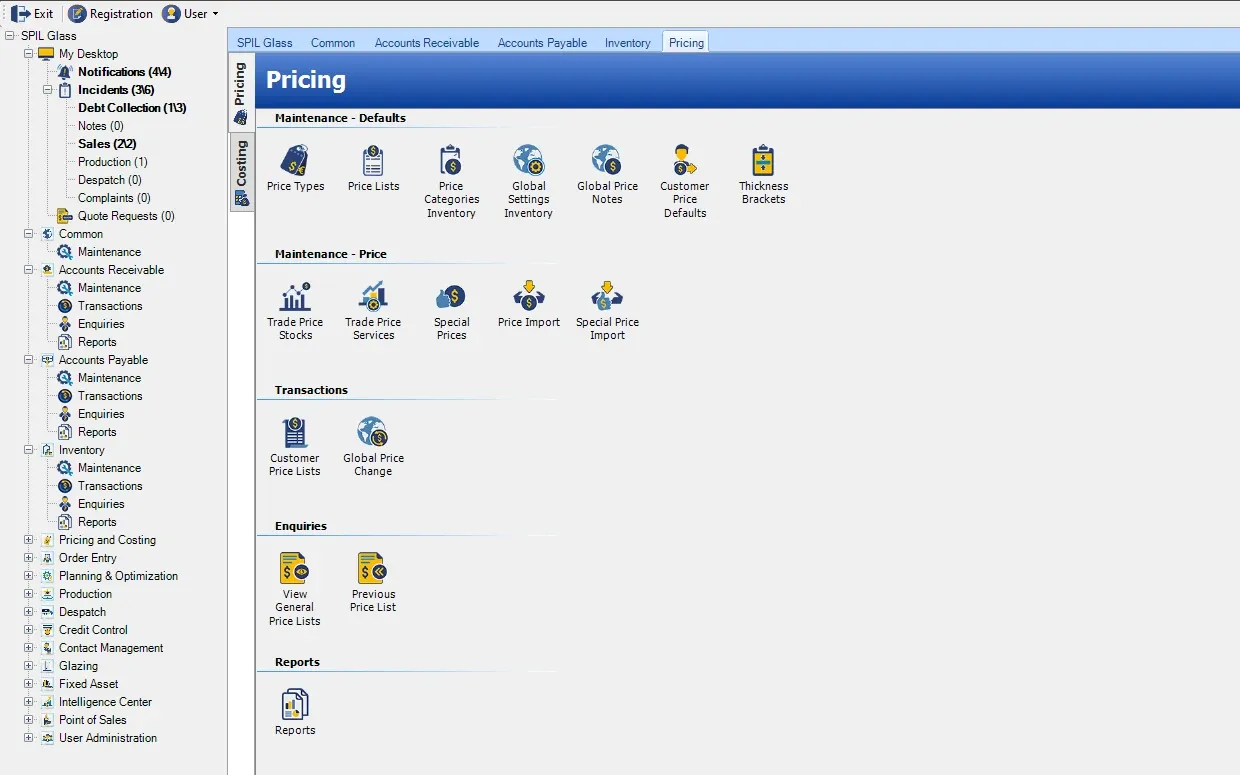
Manages price types and lists, trade and special prices, and customer price lists.
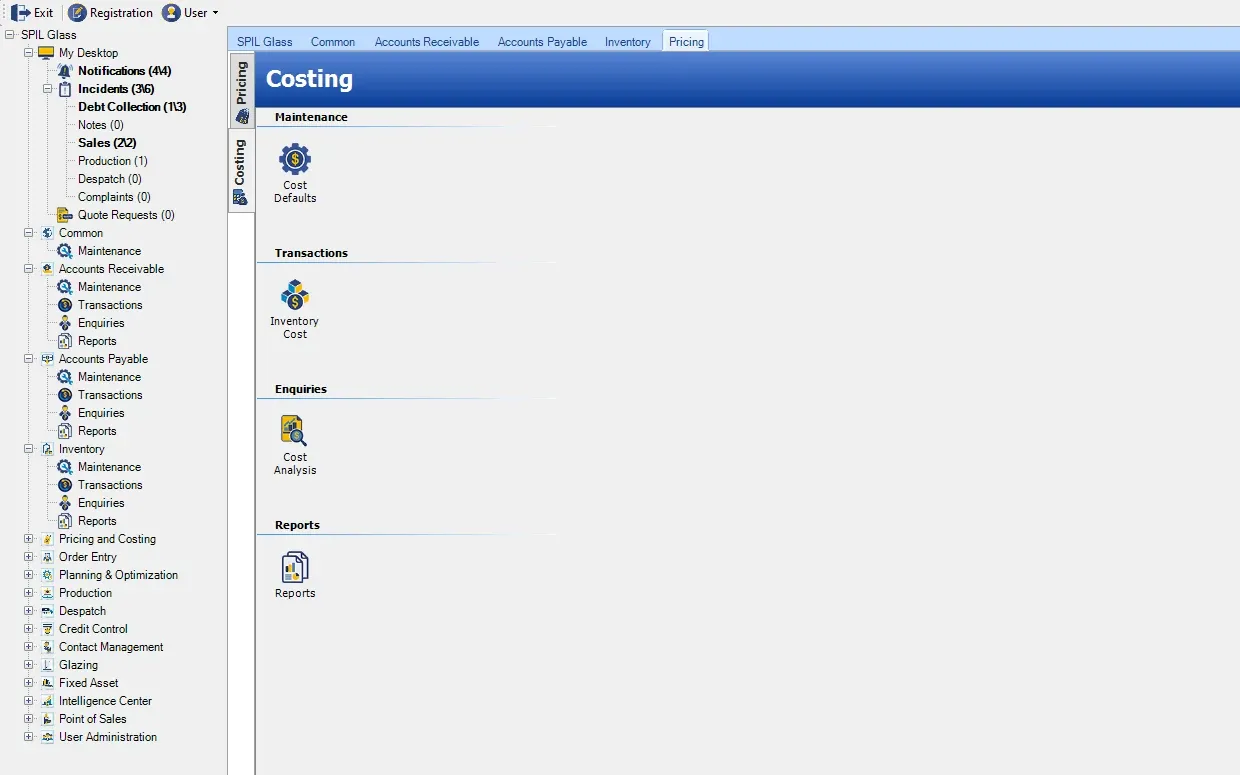
Sets cost defaults and inventory costs, with cost analysis to show what each product really costs.
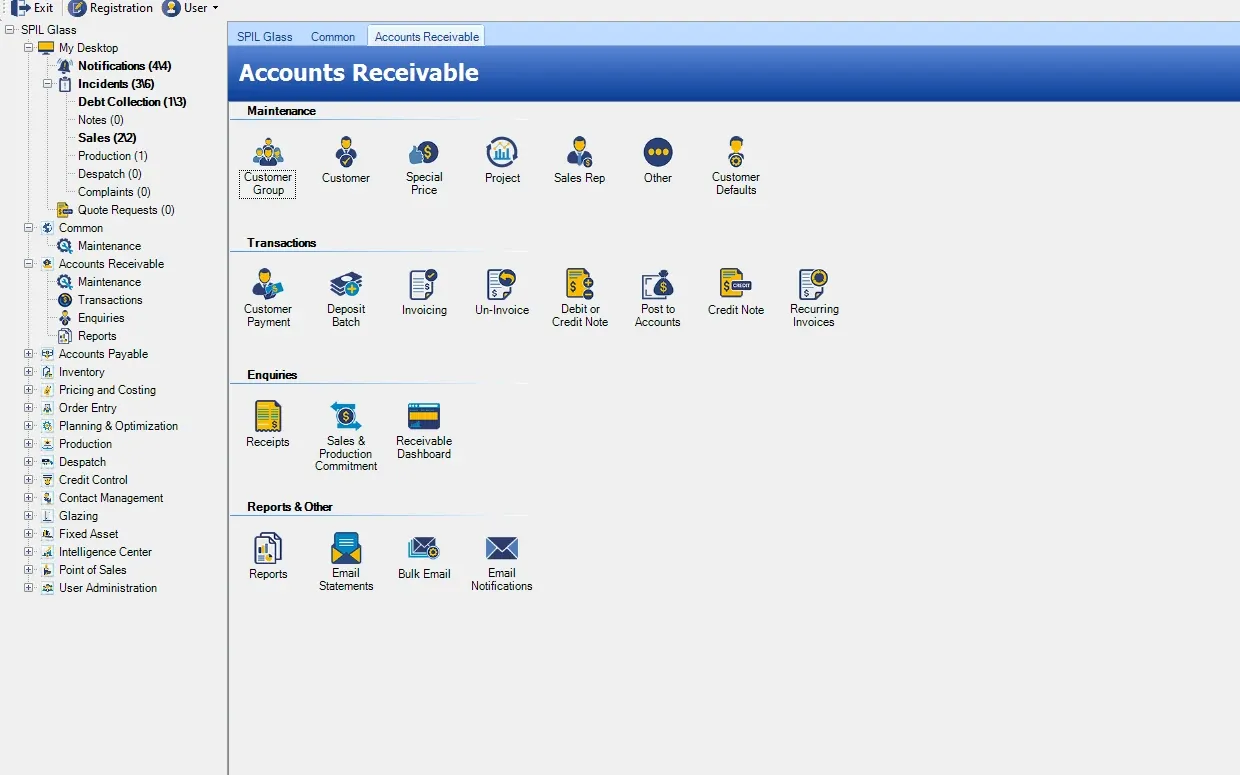
Handles customer invoices, payments and outstanding balances.
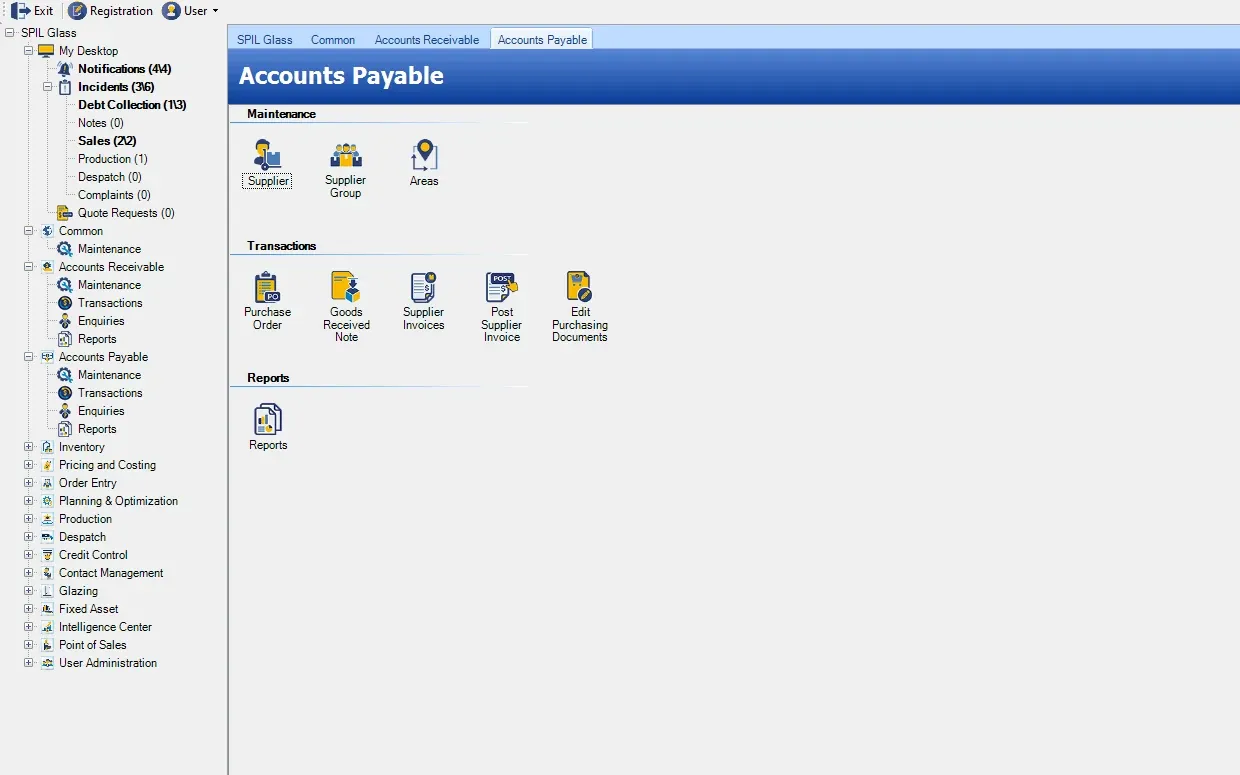
Manages supplier invoices, payments and creditor records.
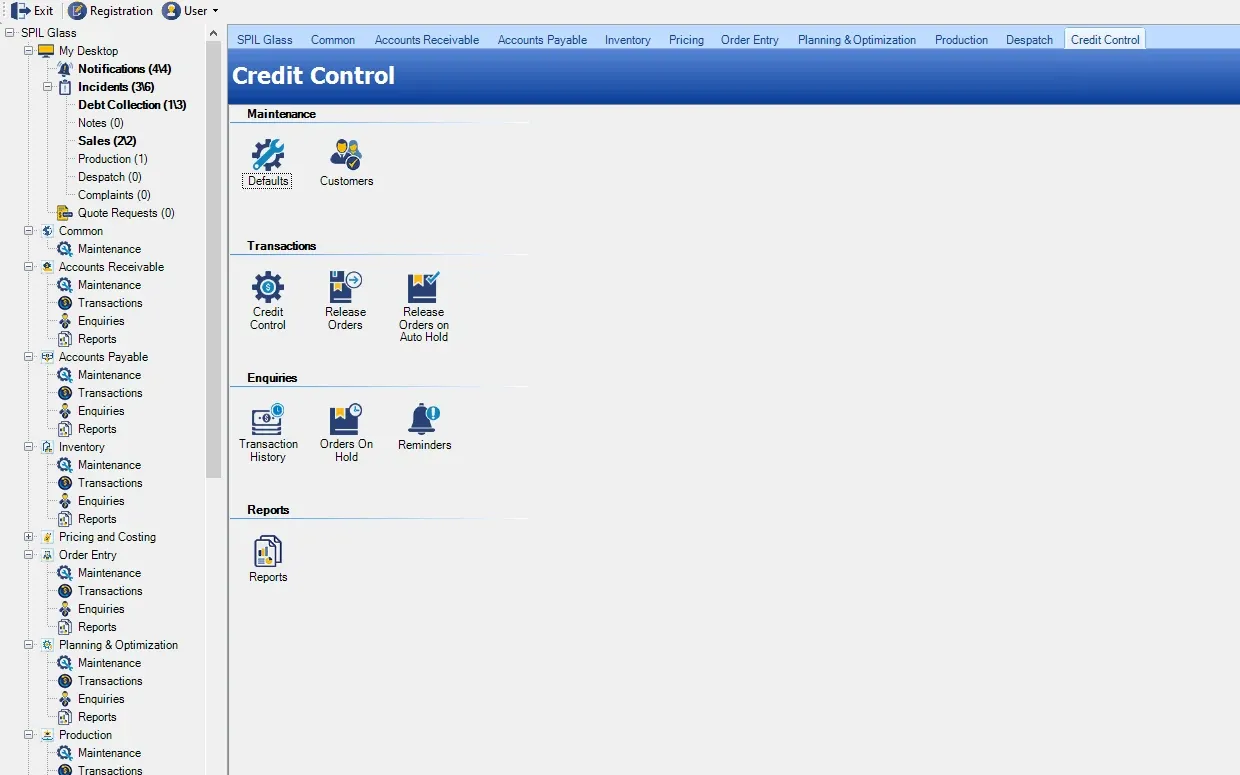
Monitors customer credit limits and overdue payments, and releases orders on hold.
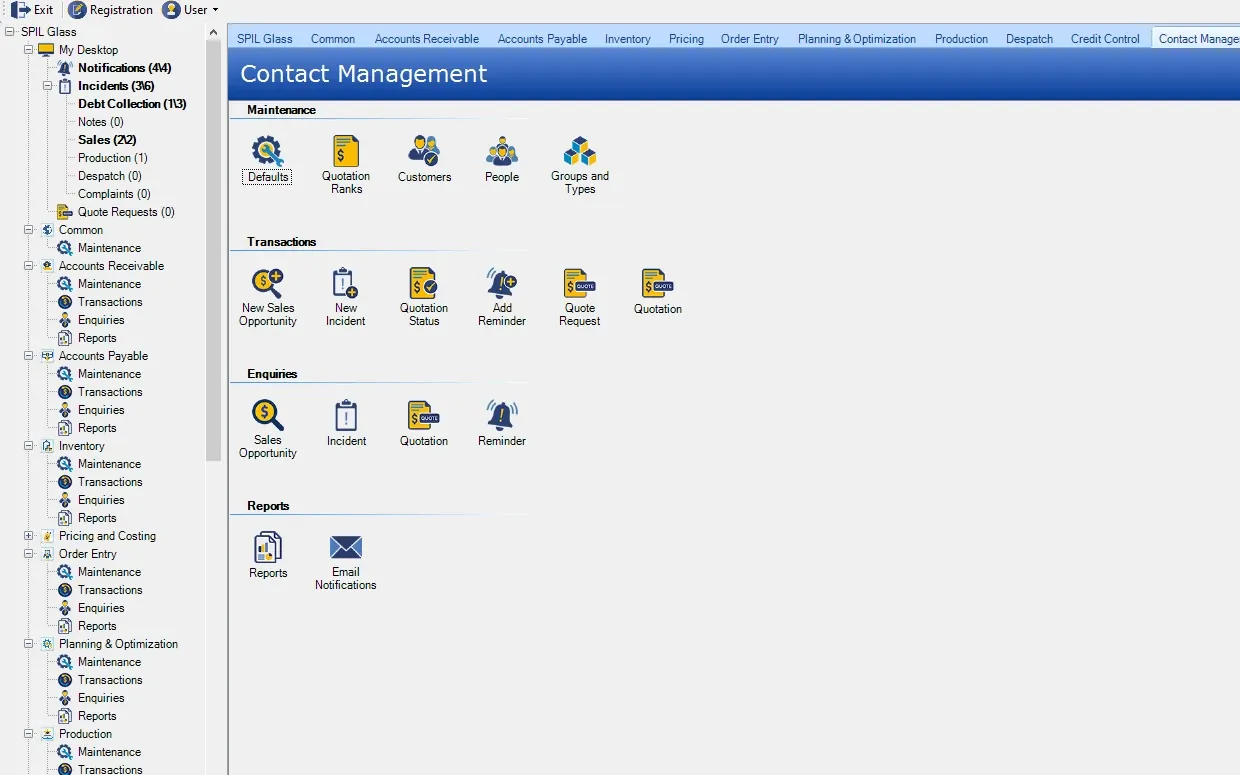
Stores customer and contact details and tracks sales opportunities, incidents, quotations and reminders.
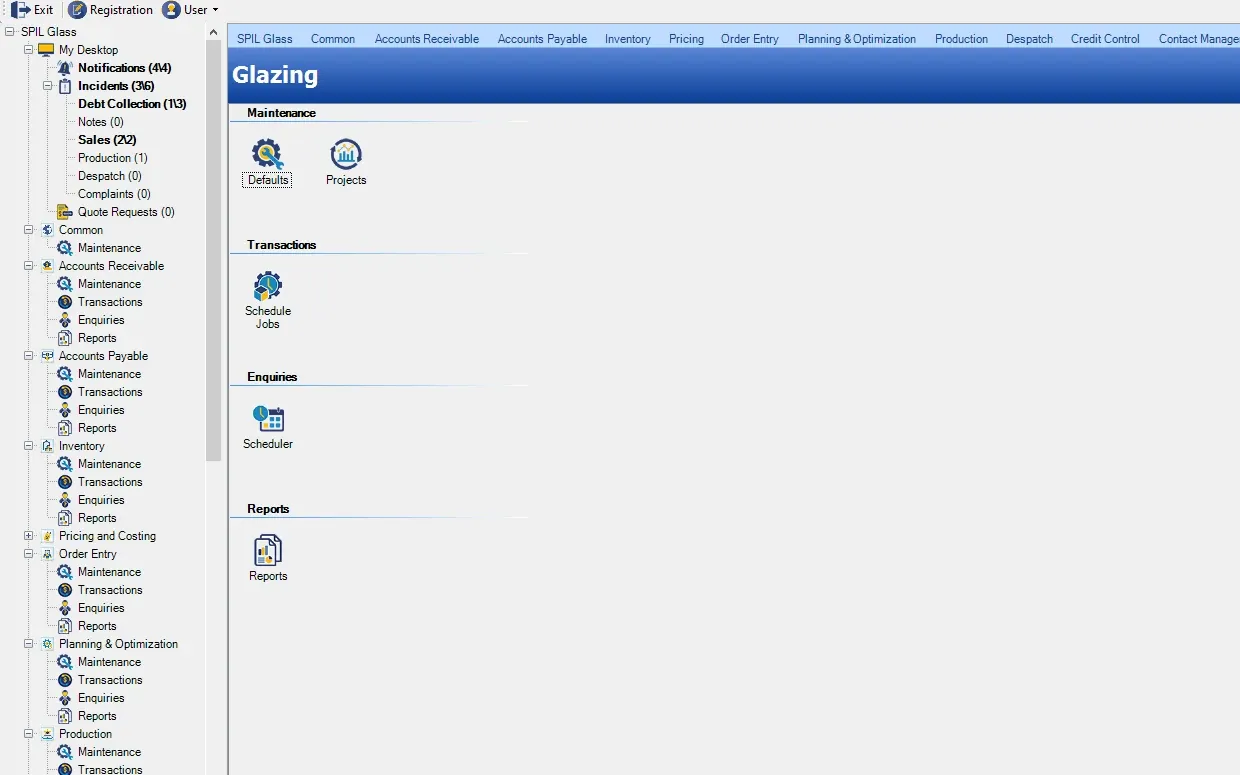
Manages glazing projects and schedules installation jobs.
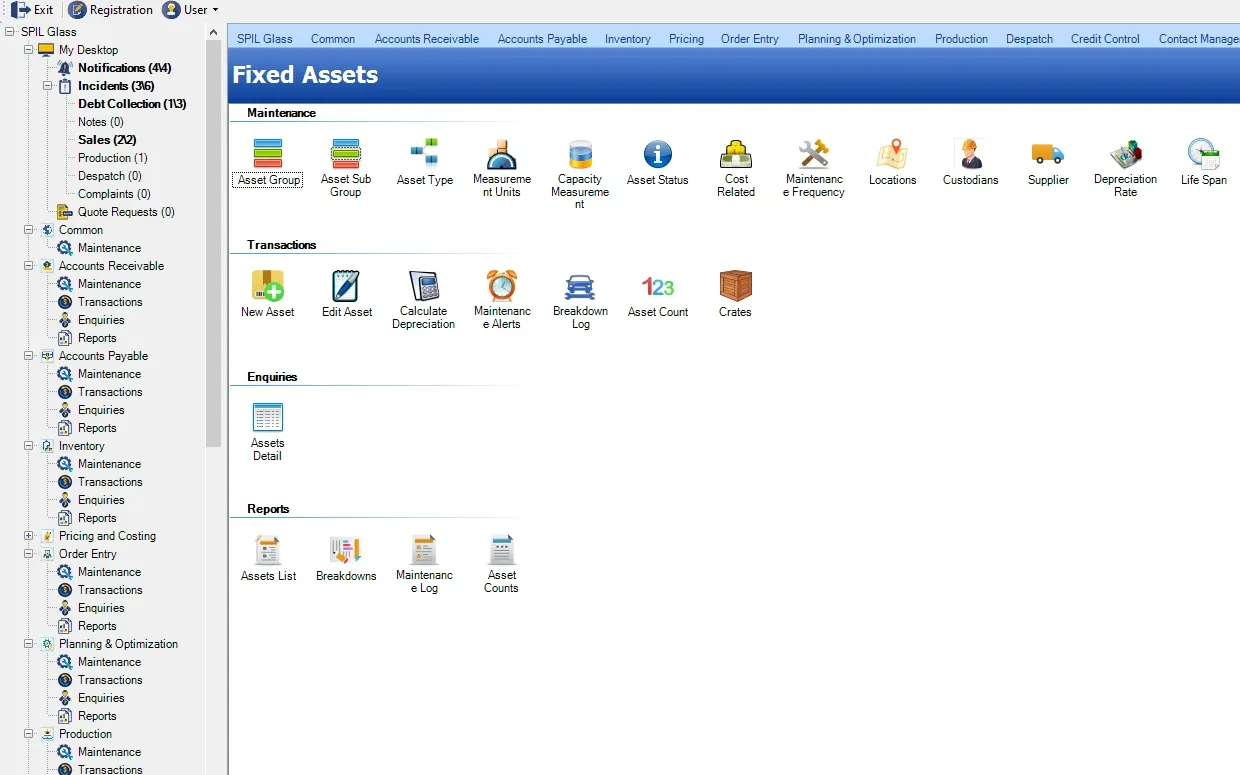
Tracks company assets, maintenance and depreciation.
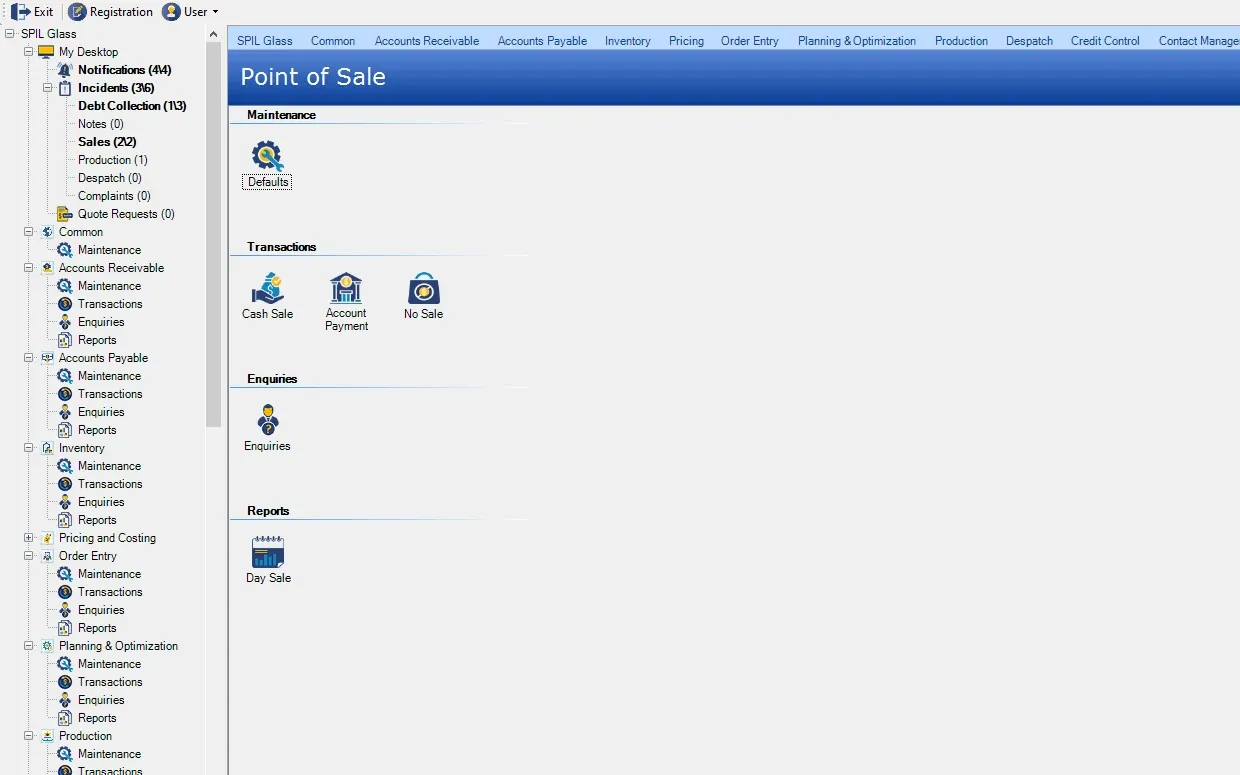
Handles quick sales, payments and receipts.
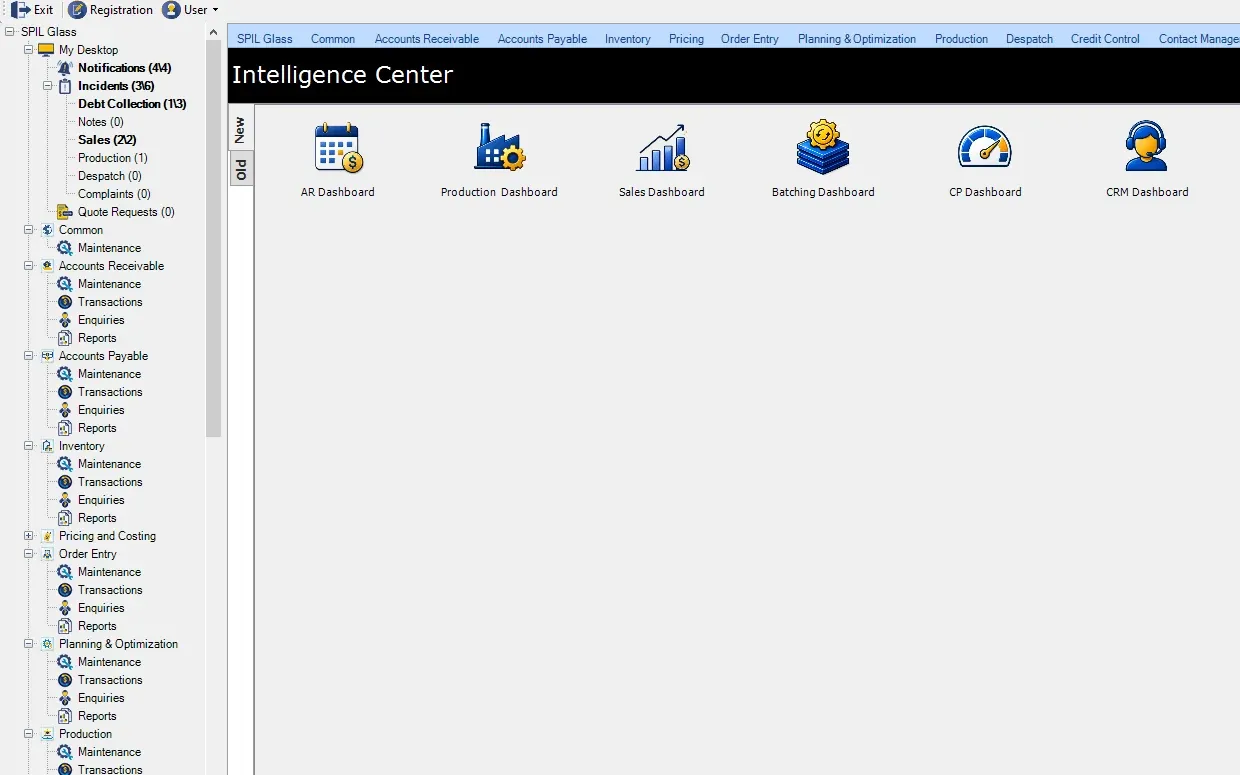
Opens the built-in dashboards for every part of the business.
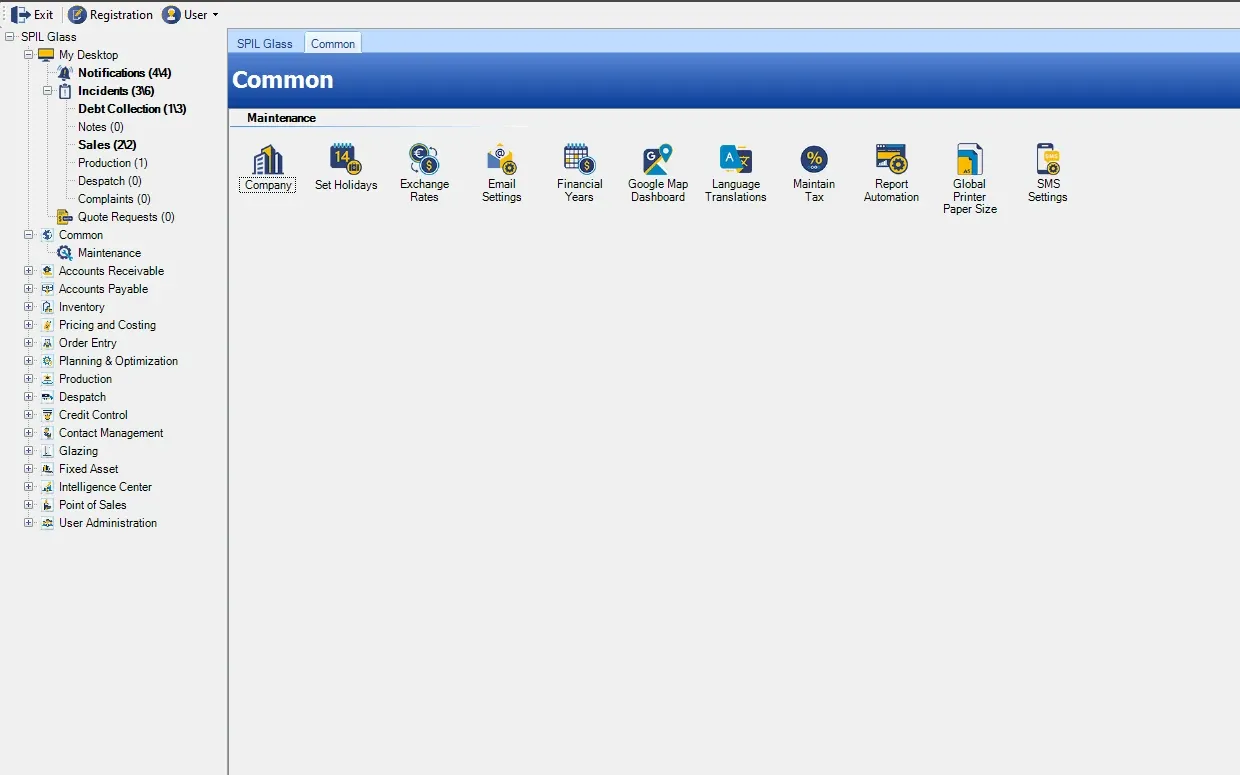
Company-wide settings shared by every module.
Modules in depth
A closer look at the SPIL ERP modules that take glass orders from enquiry to the cutting table.
Order Entry
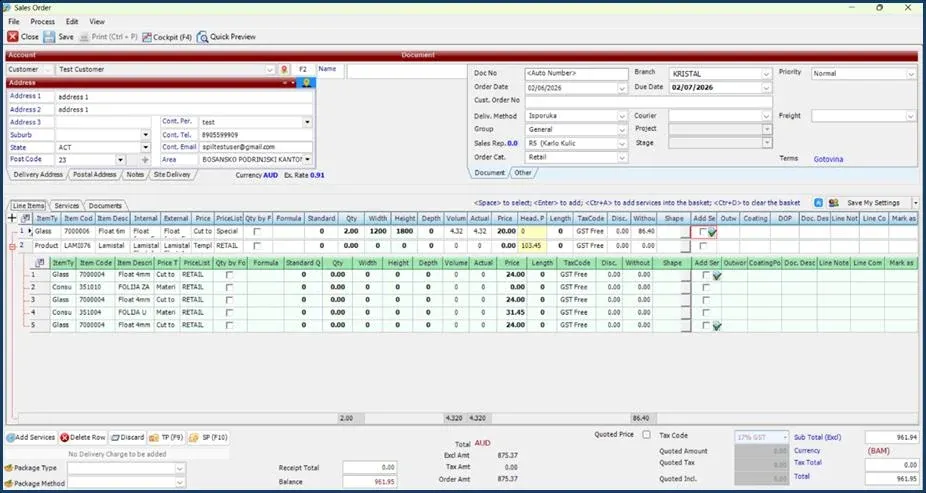
Customer details, delivery information, order lines, services, dimensions, pricing and totals come together in one screen. Complex insulated glass units are configured step by step, and every order line can be checked in 2D and 3D before it moves to production.
Advanced Batching
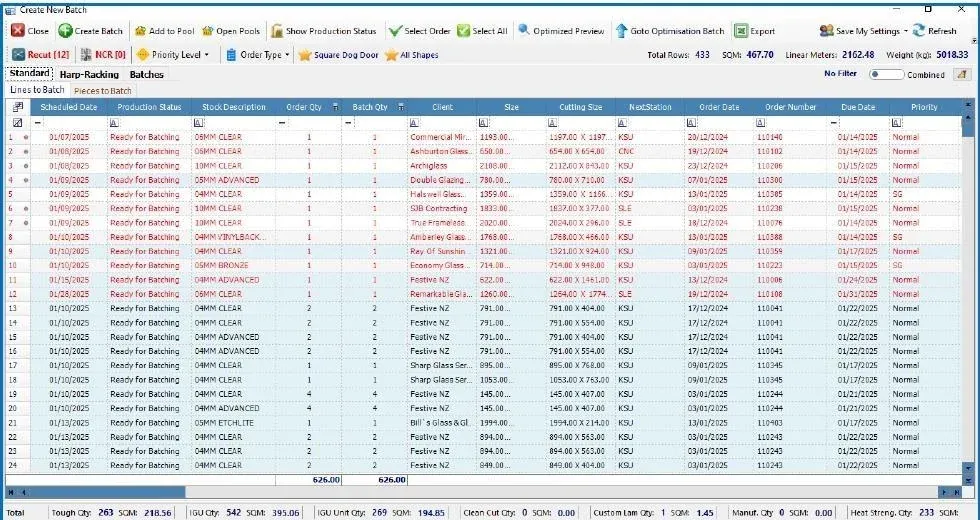
A dedicated workspace in Planning & Optimisation turns verified glass orders into controlled, traceable, production-ready batches — with separate workflows for standard single-glass orders and harp-racked IGU production.
Capacity Planning
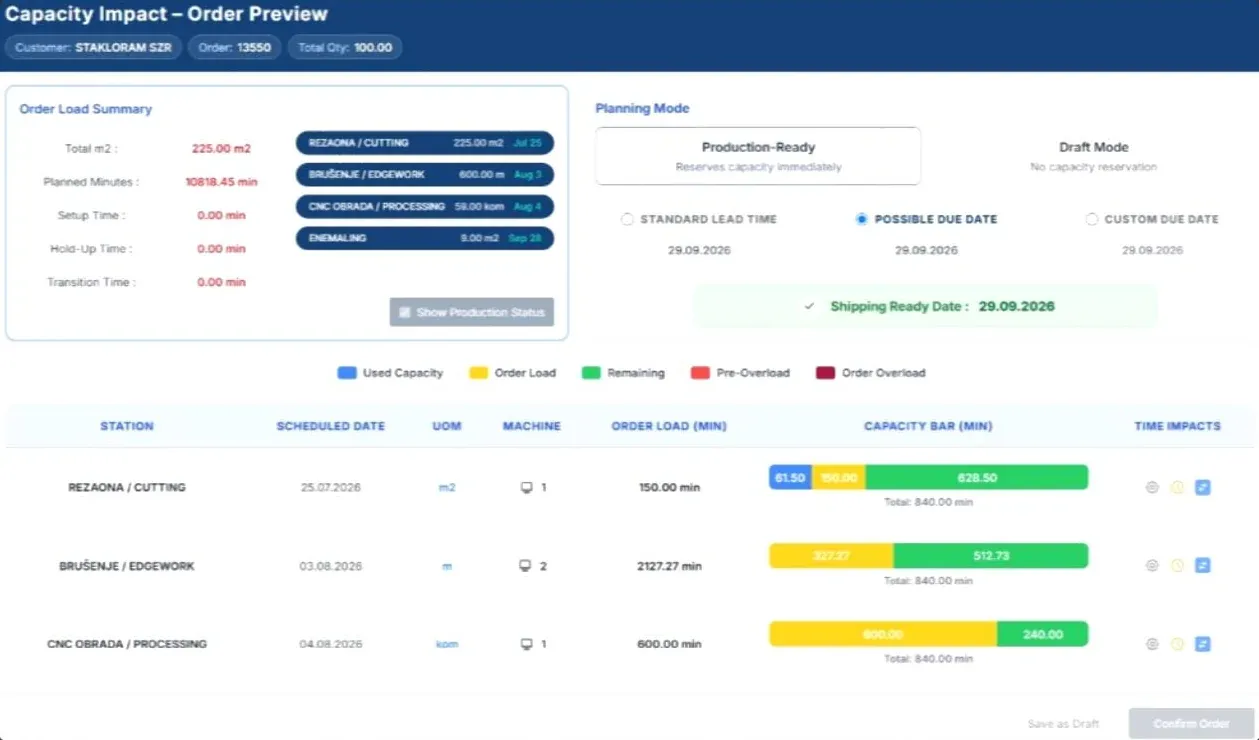
Capacity Planning converts every order into the machine time it will genuinely consume — measured in minutes, not square metres. Thickness-based processing factors, setup, transition and dwell time are all accounted for, and every step is scheduled backwards from the committed shipment date.
Dashboards
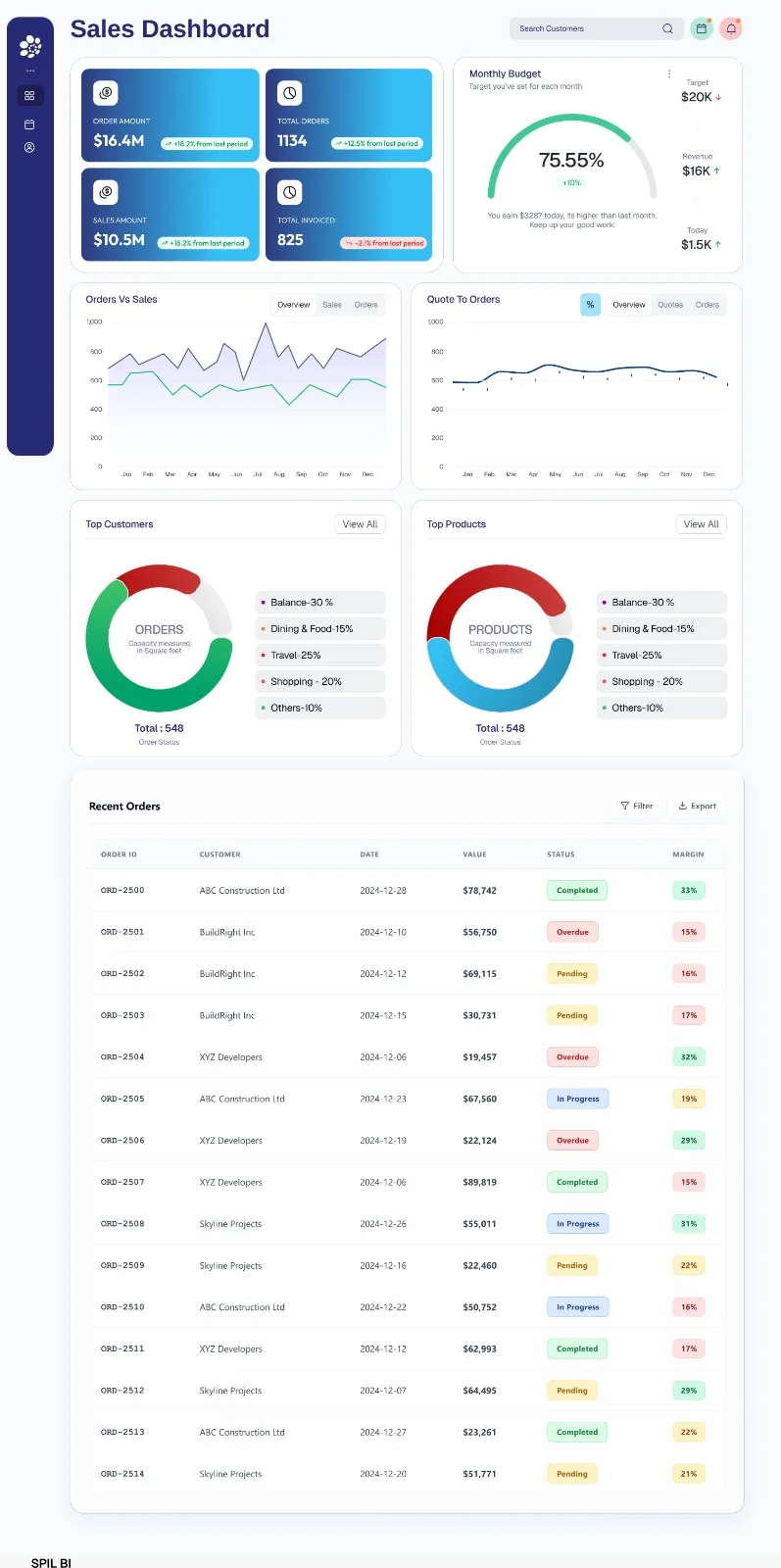
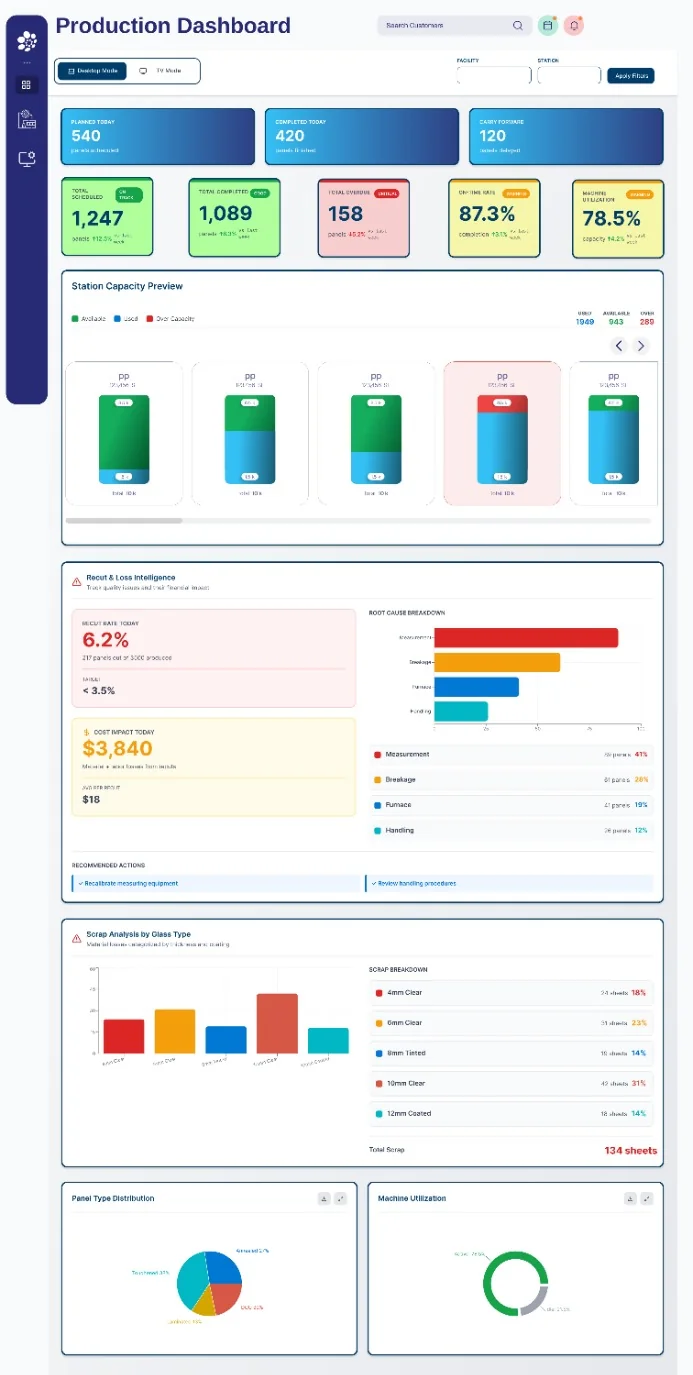
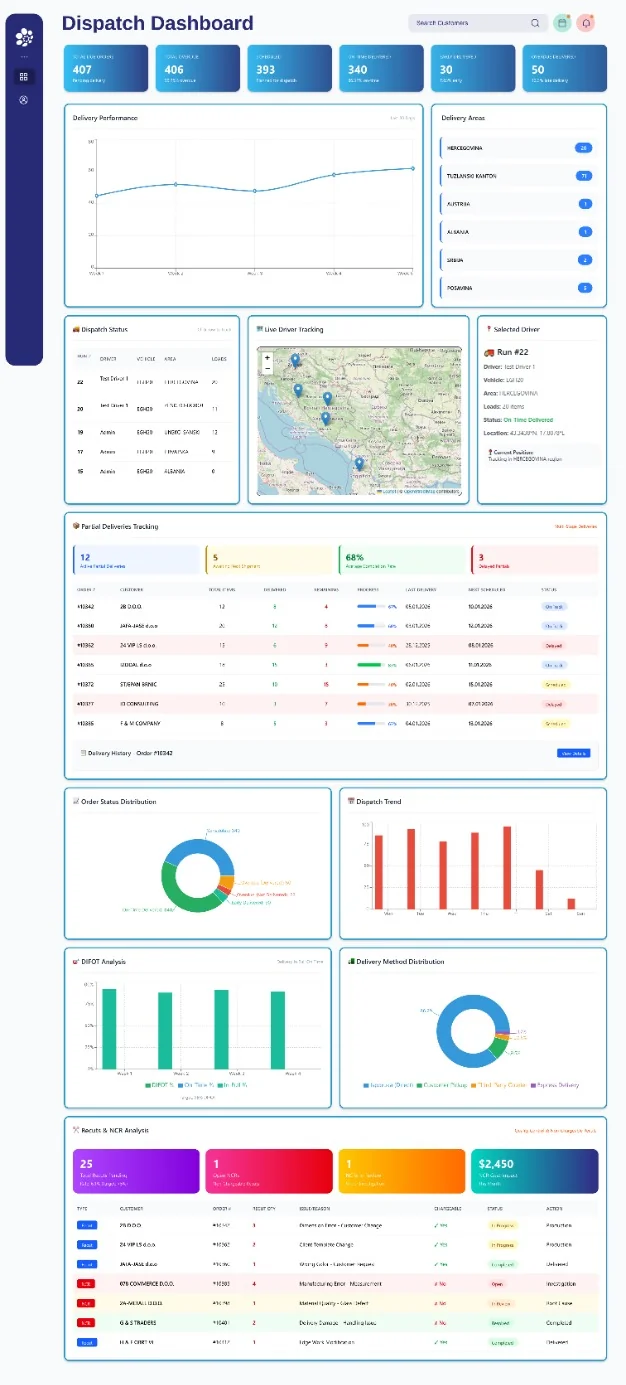
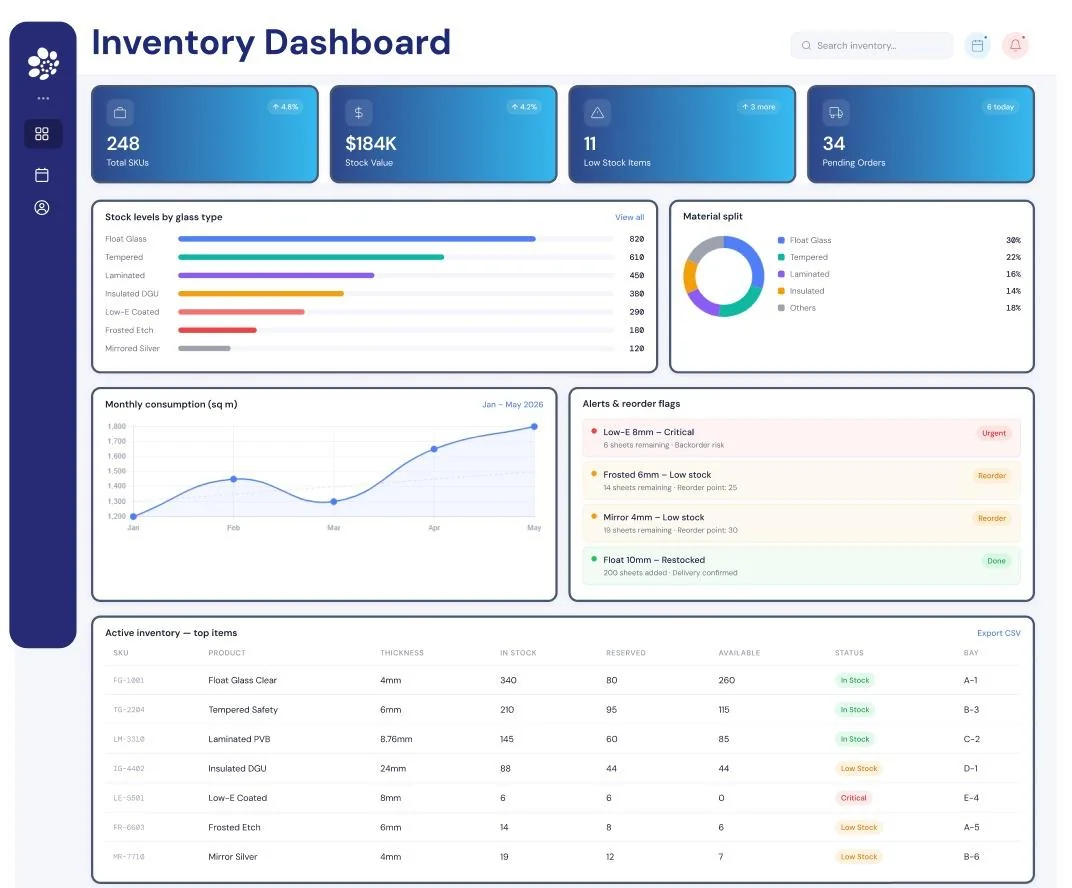
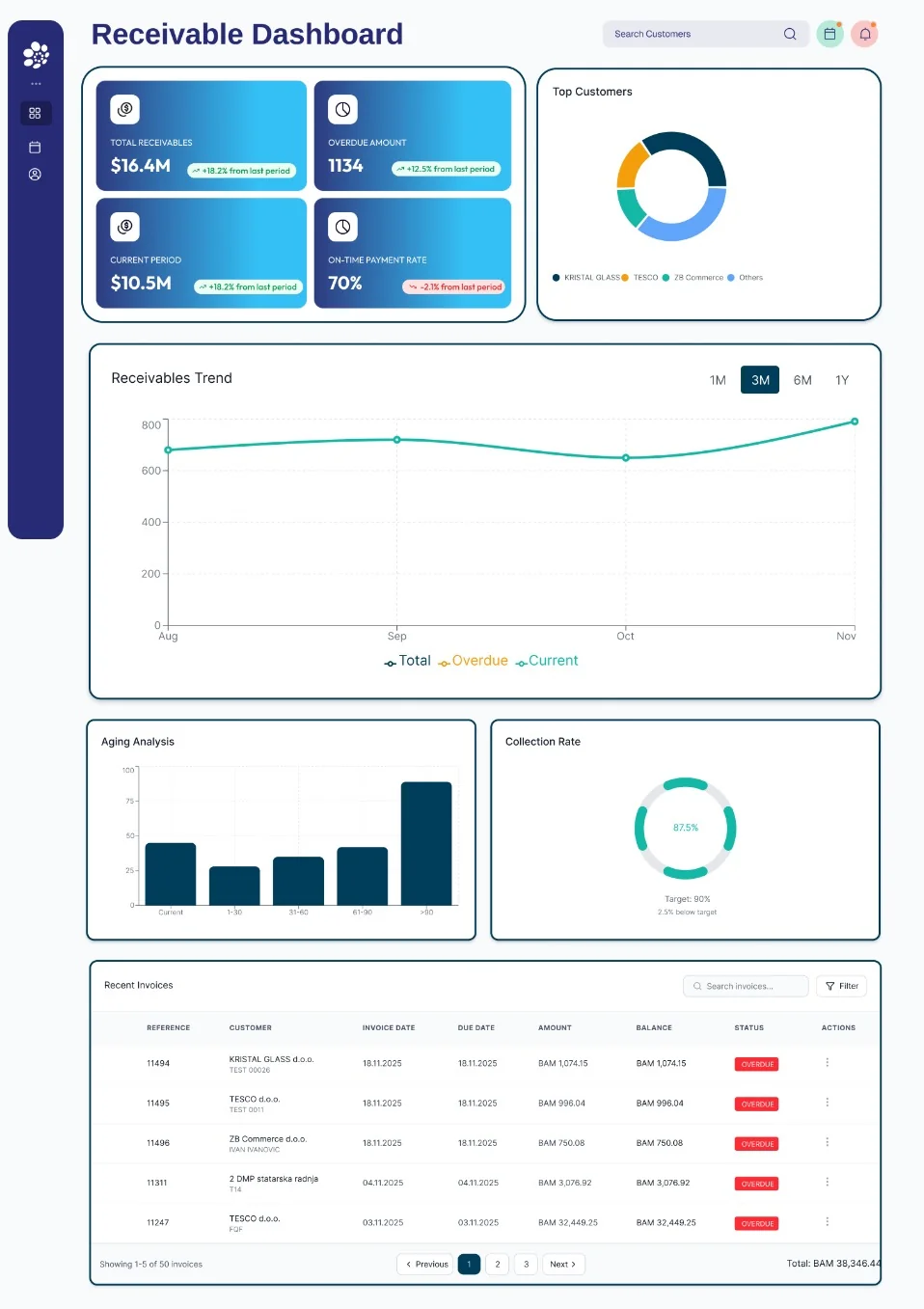
SPIL BI web dashboards track sales, production, dispatch, inventory, receivables and customer SMS in real time.
Track orders, sales and invoicing against budget, and see which customers and products drive your business.
See what is planned, completed and overdue on the factory floor — with a TV mode for the shop floor and filters by facility and station.
Follow every run from scheduling to delivery, with live driver tracking and the quality figures that matter to your customers.
Keep glass stock under control, from stock levels and consumption to reorder alerts for each item.
Stay on top of what customers owe you, what is overdue and how quickly invoices are paid.
See how the automated customer SMS messages from the SPIL SMS module are performing.
Get started
Book a free demo and we'll walk you through the modules that matter most to your glass business.
Prefer to talk?AU+61 390 000 065US+1 479 569 4400